Tax rates
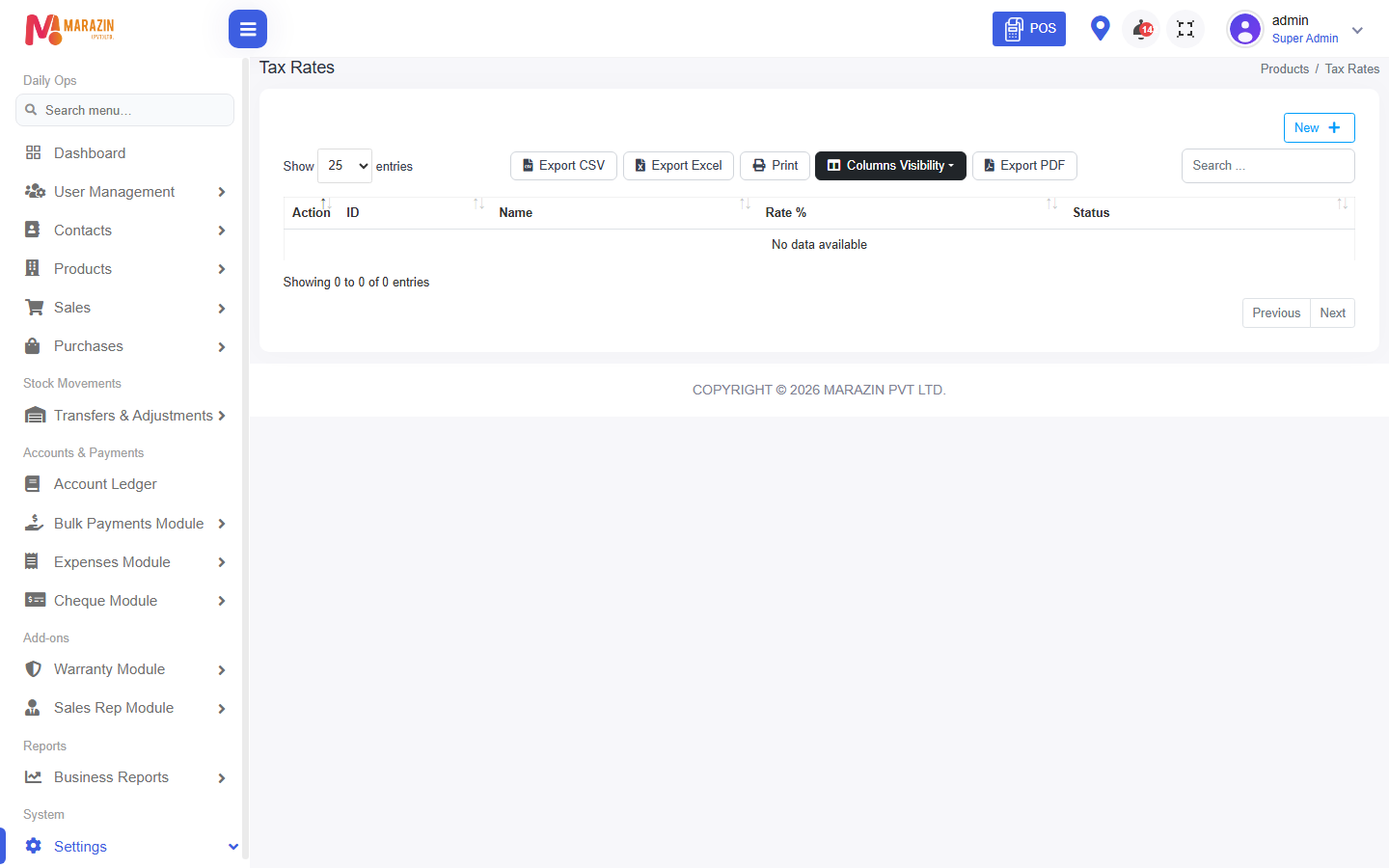
Who can use this: The tax menu appears only when tax management is allowed. Where to find it: Settings > Tax Rates
What is this?
A tax rate is the percent added to a price. The page title is Tax Rates.
Before you start
Decide the rate, such as 18. You can leave tax off a product by choosing none.
Steps
-
Open Settings > Tax Rates.
-
Click New.
-
The window title is New Tax Rate.
-
Type Name.
-
Type Rate %.
-
Leave Status on Active.
-
Click Save.
Field guide
| Field | Required? | What to enter |
|---|---|---|
| Name | Yes | A short name, such as VAT. |
| Rate % | Yes | The percent. |
| Status | No | Active or Inactive. |
What you will see
Add Product can use this rate under Applicable Tax. Selling Price Tax Type can be Exclusive.
Tips
- Use one active rate unless the law needs more.
- Click Close if you do not want to save.
Common problems
| Problem | Solution |
|---|---|
| Tax Rates is missing | Your role cannot manage tax. |
| The product price ignores tax | Pick Applicable Tax on the product. |