SMS logs
Who can use this: edit sms-settings or sms.send Where to find it: Settings > SMS Logs
What is this?
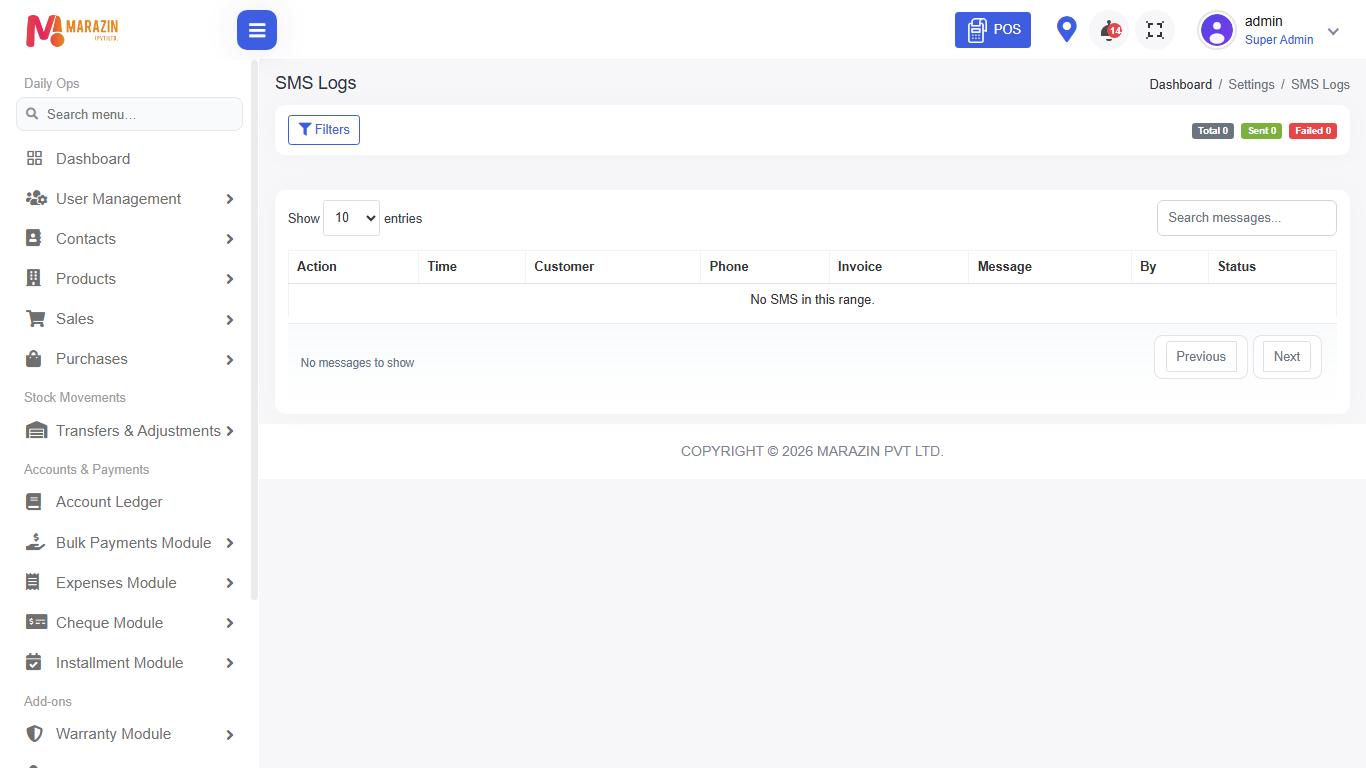
SMS Logs shows messages the shop tried to send.
Before you start
Turn on SMS under Integrations first.
Steps
-
Open Settings > SMS Logs.
-
Filter by date or status when filters exist.
-
Open a failed row to read why it failed.
-
Fix the integration setting, then retry from the original screen if needed.
Field guide
| Field | Required? | What to enter |
|---|---|---|
| Date | No | Day range for the log list. |
| Status | No | Sent or failed when offered. |
What you will see
A list of SMS attempts with status.
Tips
- Failed rows often mean wrong phone or gateway setup.
- Do not resend the same bill many times without checking.
Common problems
| Problem | Solution |
|---|---|
| Empty log | No SMS was sent yet, or filters are too narrow. |
| Menu missing | Role needs SMS permissions. |