Payment terms
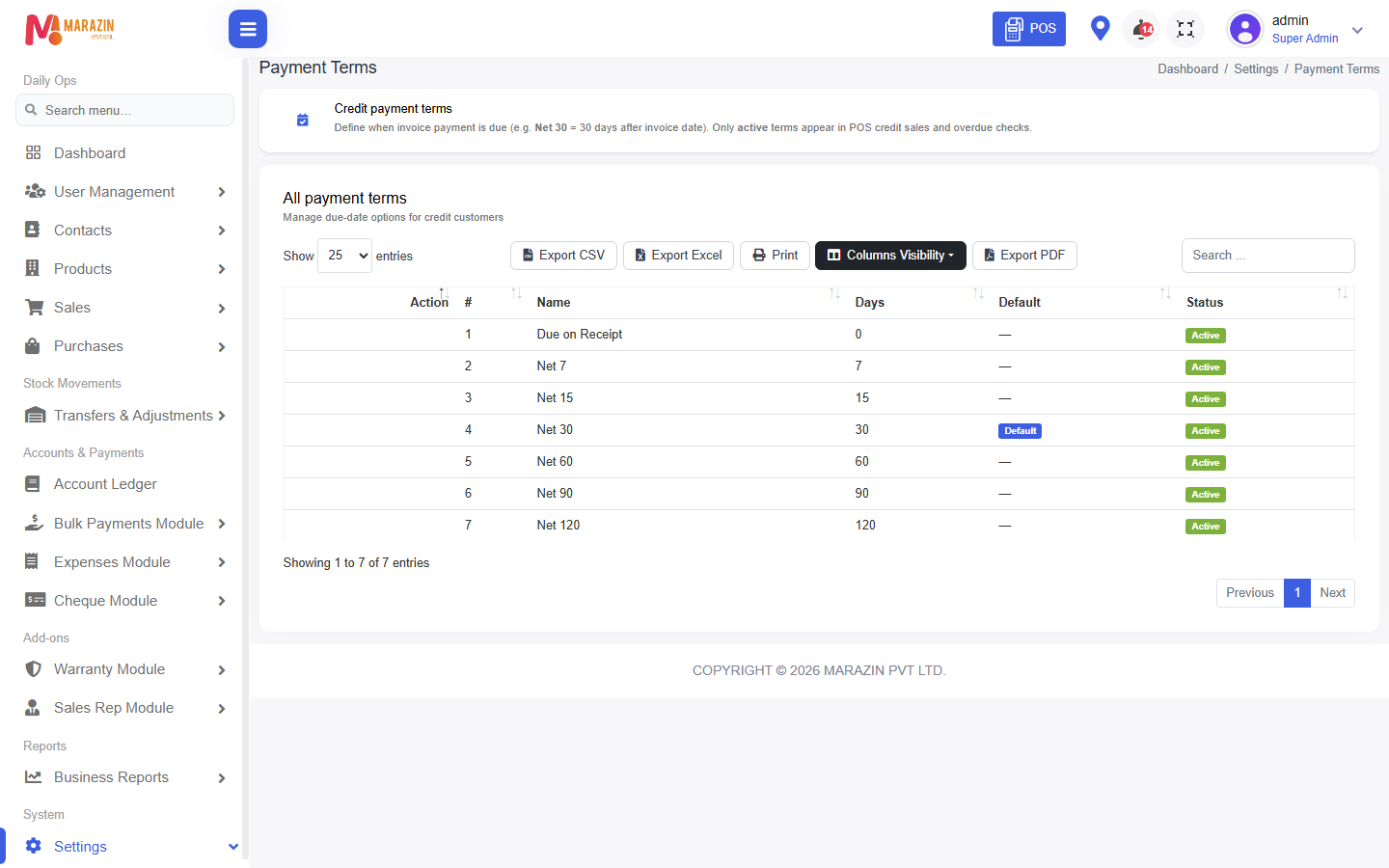
Who can use this: view payment-term. Where to find it: Settings > Payment Terms
What is this?
A payment term is how many days a credit bill can stay open. The page title is Payment Terms.
Before you start
Examples are 7 days or 30 days. Customers pick a term on their form.
Steps
-
Open Settings > Payment Terms.
-
Click New Payment Term.
-
Type Name.
-
Type Due days.
-
Click Save.
Field guide
| Field | Required? | What to enter |
|---|---|---|
| Name | Yes | A name staff will recognise, such as Net 30. |
| Due days | Yes | The number of days before the bill is late. |
What you will see
The term appears on the customer form. Credit bills can show a due date from these days.
Tips
- Keep the name and the days matching. Net 30 should be 30 days.
- Old customers keep their term until you edit them.
Common problems
| Problem | Solution |
|---|---|
| The menu is missing | Ask for view payment-term. |
| A credit bill has no due date | Set Payment Term on the customer. |