Locations
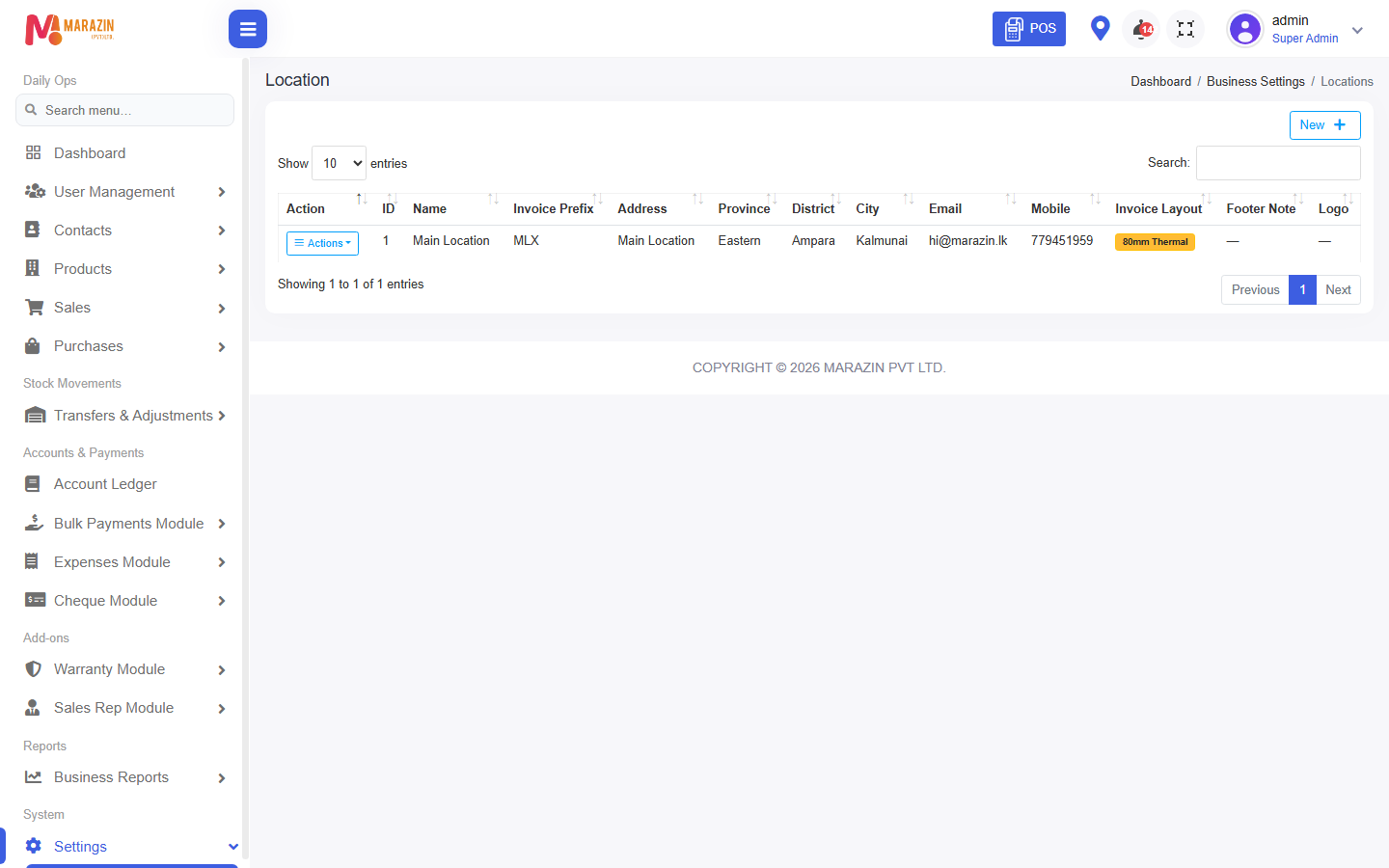
Who can use this: view location. Adding one needs create location. Where to find it: Settings > Locations
What is this?
A location is a shop, store, or warehouse. The page title is Location.
Before you start
Know the shop address and the invoice prefix. Users can only work in the locations you assign.
Steps
-
Open Settings > Locations.
-
Click New.
-
Fill every field marked with a red star.
-
Click Save location.
Field guide
| Field | Required? | What to enter |
|---|---|---|
| Location name | Yes | The shop name staff will pick. |
| Street address | Yes | The shop address. |
| Province | Yes | The province. |
| District | Yes | The district. |
| Invoice prefix | Yes | Letters that start each bill number. |
| City | No | The town. |
| Mobile | No | The shop phone. |
What you will see
The location is in the list and in All Location on the home screen. New users can be assigned to it.
Tips
- Add the main shop before you add staff.
- Use a short invoice prefix, such as MLX.
Common problems
| Problem | Solution |
|---|---|
| New is missing | Ask for create location. |
| A user cannot see this shop | Edit the user and tick this location. |