Wholesale history
Who can use this: Wholesale history view access (B2B order chain). Where to find it: Sales > Wholesale history
What is this?
One place for wholesale quotations, deliveries, and invoices. The sidebar tip says this is not the same as All Sales.
Before you start
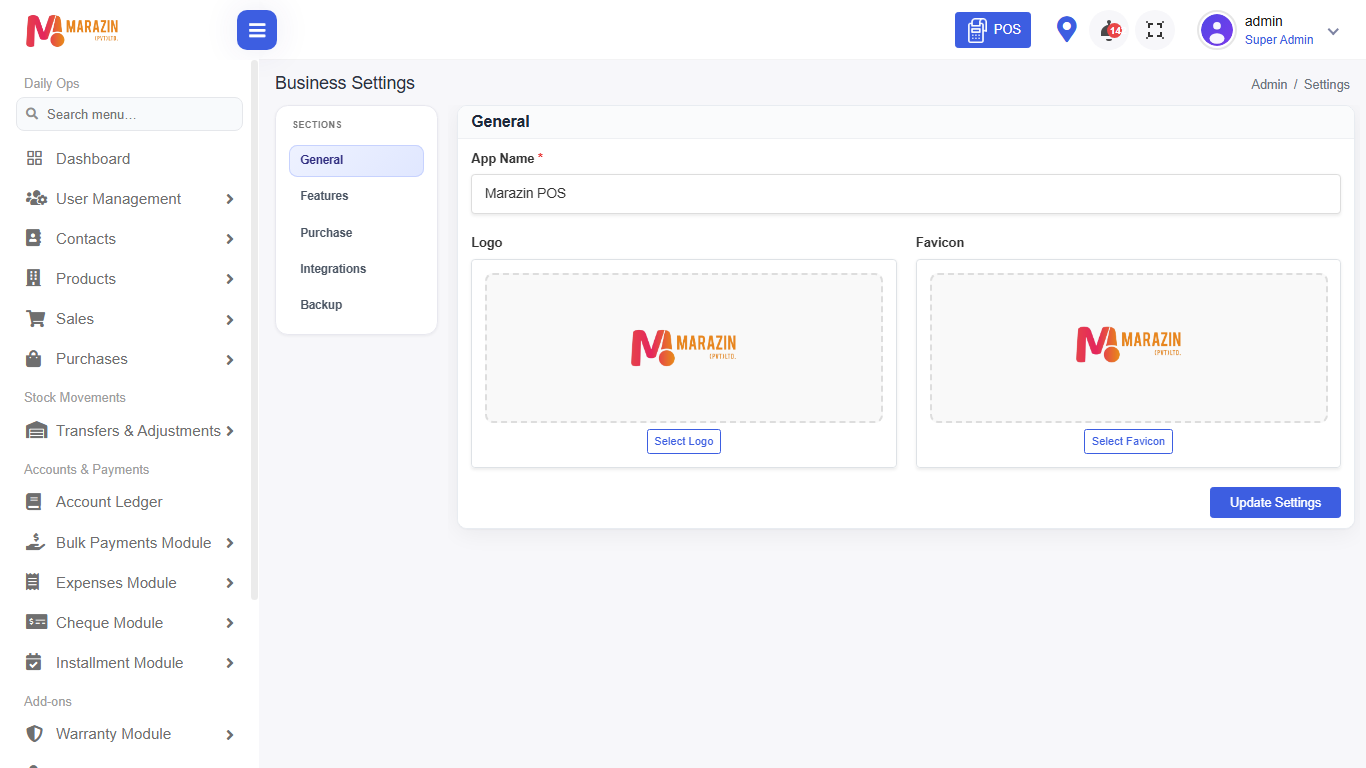
Turn Wholesale order chain on in Settings > General Settings > Features. If the menu is off, the page shows access denied — turn the feature on, then refresh.
Steps
-
Open Sales > Wholesale history.
-
Filter by customer or status.
-
Open a document to see linked steps.
-
Move to the next step (delivery or invoice) using the actions on that row.
Field guide
| Field | Required? | What to enter |
|---|---|---|
| Customer | No | One wholesale customer, or all. |
| Document type | No | Quote, delivery, or invoice when filters offer it. |
What you will see
Linked wholesale documents in one history list.
Tips
- Retail counter bills stay under All Sales.
- Keep customer credit terms accurate before invoicing.
Common problems
| Problem | Solution |
|---|---|
| Menu missing | Turn Wholesale order chain on and refresh. |
| Cannot open a step | Your role needs the matching B2B permission. |