Sale orders
Who can use this: Sale-order list permission / wholesale chain access (CHECK: shown when your shop allows the legacy list). Where to find it: Sales > Sale Orders
What is this?
Sale orders are wholesale-style orders before full delivery or invoice. This is not the same as All Sales.
Before you start
Turn on wholesale / sale-order features in Settings > Features if your shop uses them. CHECK: menu appears only when access allows.
Steps
-
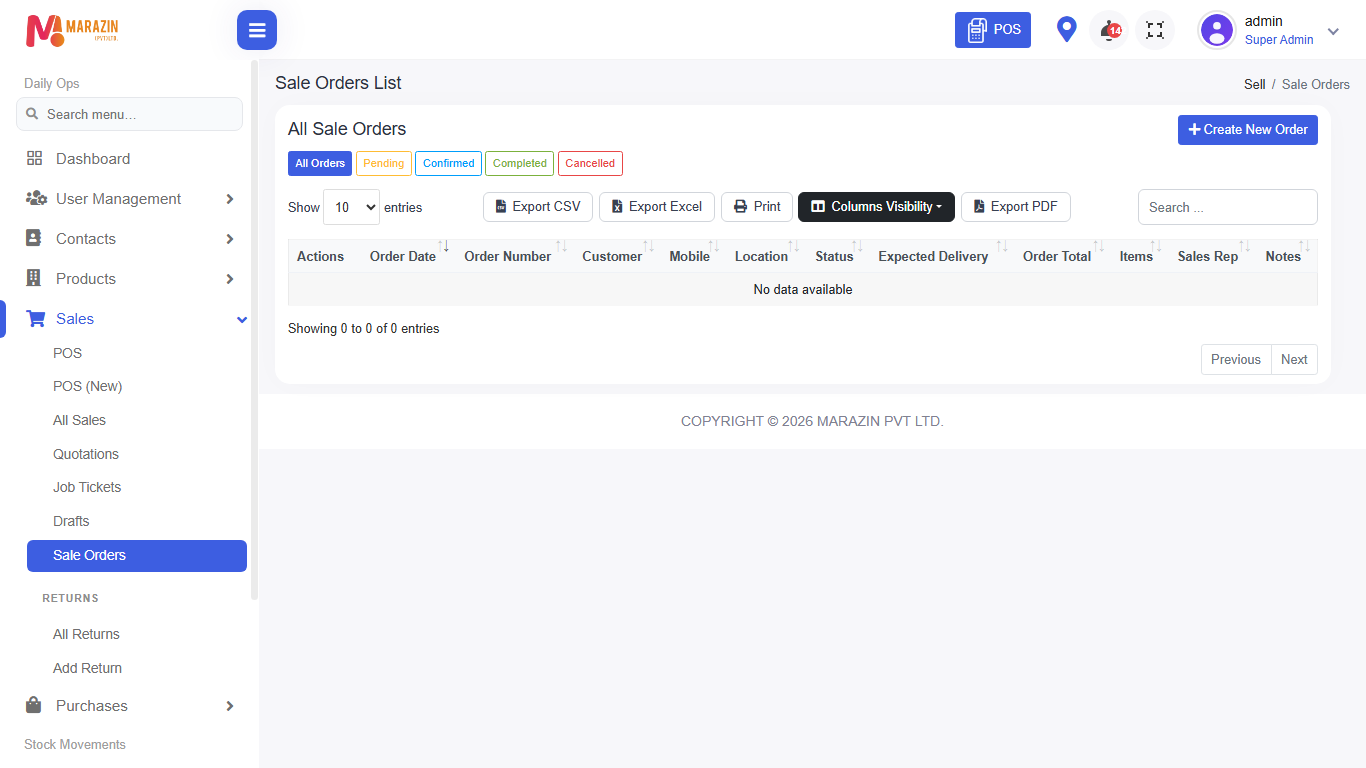
Open Sales > Sale Orders.
-
Open filters if the list is long.
-
Open a row to see order lines and status.
-
Follow the page actions to allocate, deliver, or invoice when your role allows.
Field guide
| Field | Required? | What to enter |
|---|---|---|
| Customer | Yes | Wholesale customer on the order. |
| Status | No | Filter open vs closed orders. |
What you will see
Order number, customer, quantities, and status.
Tips
- Use Wholesale history for the full quotation → delivery → invoice chain when that menu is on.
- Do not confuse this with retail All Sales.
Common problems
| Problem | Solution |
|---|---|
| Menu missing | Wholesale / sale-order access is off, or your role cannot view it. |
| CHECK: button names | Use the labels on your screen; chain steps vary by setup. |