Quotations
Who can use this: create quotation Where to find it: Sales > Quotations
What is this?
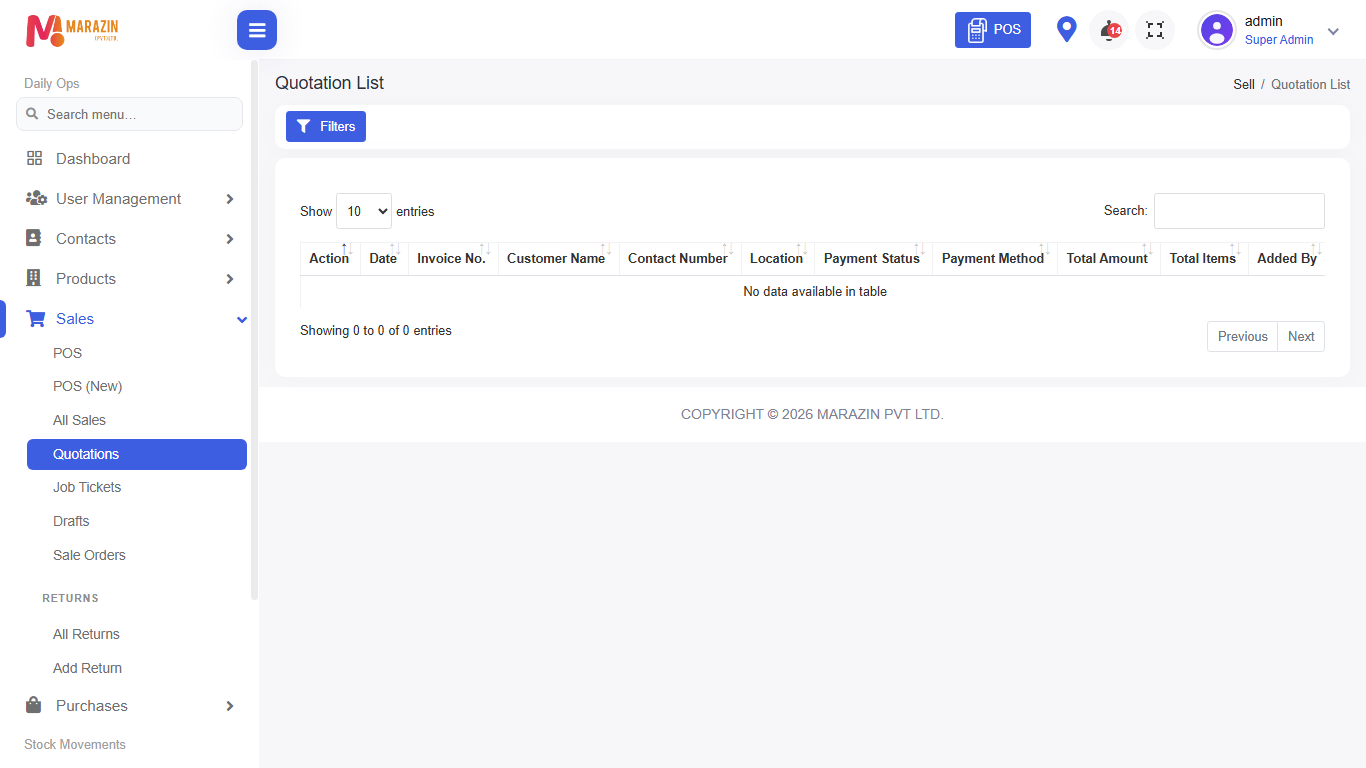
A quotation is a price offer. It is not a finished sale yet. The page title is Quotation List.
Before you start
Have the customer and products ready. Use this when the customer wants a price before buying.
Steps
-
Open Sales > Quotations.
-
Click New / create quotation.
-
Choose the customer and location.
-
Add products and quantities.
-
Save the quotation.
-
Print or share it with the customer.
-
Convert it to a sale later when they confirm (from the row actions when available).
Field guide
| Field | Required? | What to enter |
|---|---|---|
| Customer | Yes | Who receives the quote. |
| Products | Yes | Items and quantities. |
| Notes | No | Extra terms for the customer. |
What you will see
Rows show quotation number, customer, total, and status.
Tips
- Do not treat a quotation as stock out until you convert it.
- Update the quote if prices change.
Common problems
| Problem | Solution |
|---|---|
| Cannot create | Role needs create quotation. |
| Customer cannot find the quote later | Search by quotation number on this list. |