Job tickets
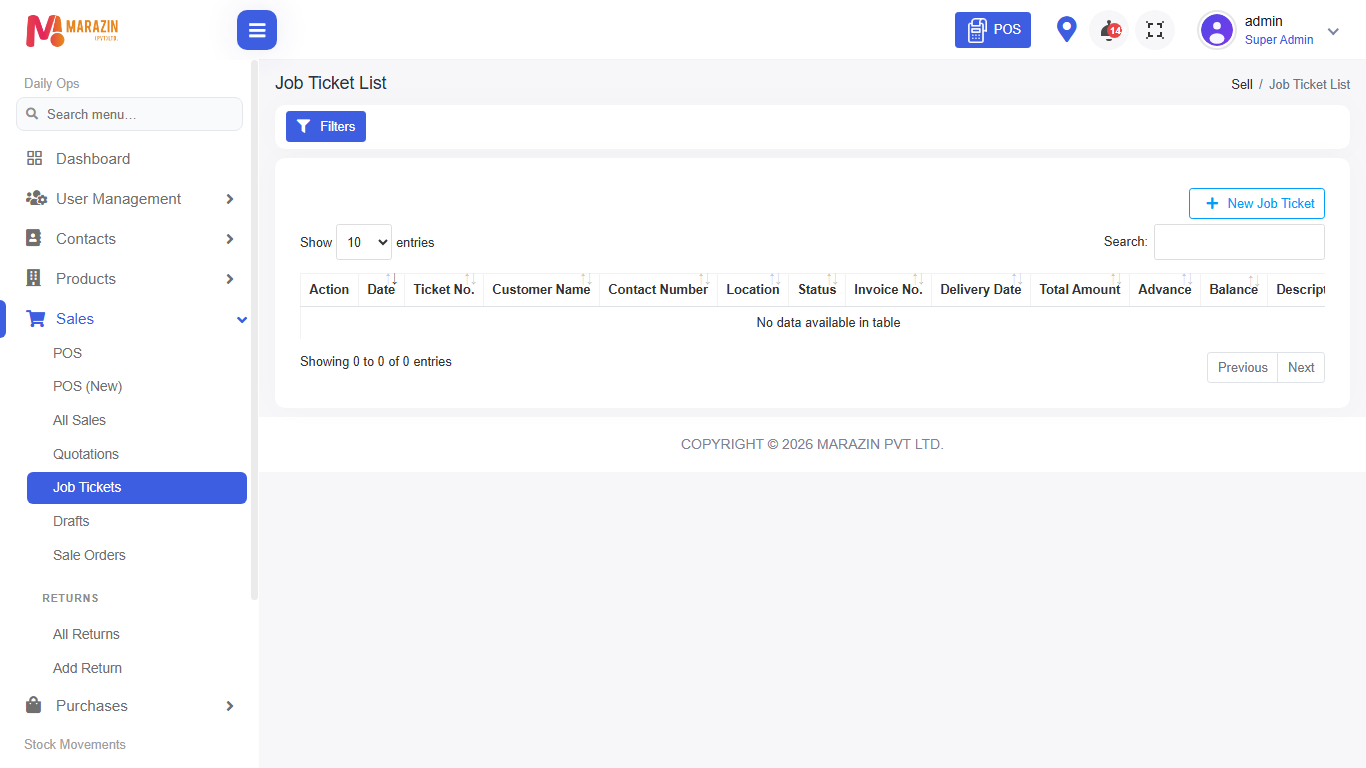
Who can use this: create job-ticket Where to find it: Sales > Job Tickets
What is this?
A job ticket tracks work or a service job linked to a sale flow. Use it when the shop needs a ticket number for workshop or service jobs.
Before you start
Confirm your shop uses job tickets. Create the customer first.
Steps
-
Open Sales > Job Tickets.
-
Click create / New.
-
Choose the customer and fill the job details on the form.
-
Add products or service lines if the form asks.
-
Save the ticket.
-
Print the ticket for the workshop or customer if needed.
Field guide
| Field | Required? | What to enter |
|---|---|---|
| Customer | Yes | Who owns the job. |
| Job details | Yes | What work is requested. |
What you will see
The list shows open and closed tickets for follow-up.
Tips
- Keep ticket status updated so staff know what is waiting.
- Link to a sale when the job is billed.
Common problems
| Problem | Solution |
|---|---|
| Menu is missing | Role needs create job-ticket. |
| CHECK: fields differ by shop setup | Follow the labels on your form. |