Sales and stock reports
Who can use this: The permission named in the table. Where to find it: Business Reports
What is this?
These reports answer how much you sold and what is left. Open the one that matches the question.
Before you start
Pick the location and the dates on the report page.
Reports
| Menu | Page title | What it shows | When to use it |
|---|---|---|---|
| Daily Sales | Daily Sales Report | Sales for the day | End of day cash and sales check |
| Stock Report | Stock Report | Quantity on hand | Before you reorder |
| Expiry Stock Report | Expiry Stock Report | Items near expiry | Food and medicine shops |
| Unsold Stock Report | Unsold Stock Report | Stock with no sales | Find slow items |
| Stock Shortage Report | Pending Allocation Report | Waiting quantities | Only when backorders are on |
| Product Purchase Report | Product Purchase Report | What you bought | Match supplier bills |
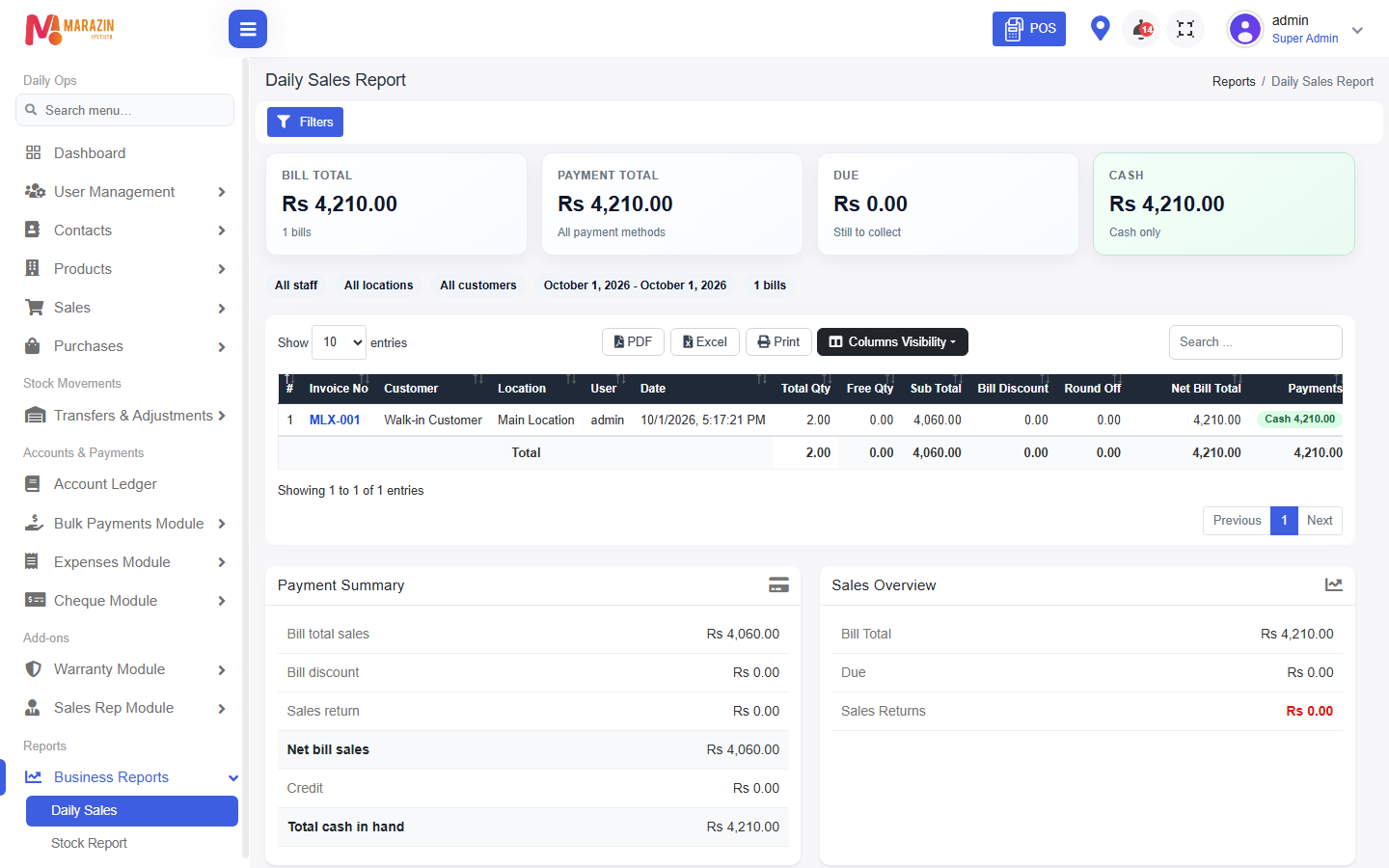
Steps
- Open Business Reports.
- Click the report name.
- Set dates and location.
- Read the total, then the rows.
What you will see
A table for the dates you picked. Empty dates show no rows, not a broken page.
Tips
- Start with Daily Sales each evening.
- Use Stock Report before a purchase order.
Common problems
| Problem | Solution |
|---|---|
| A report is missing | Your role does not have that permission. |
| Totals look low | Check the date range and the location. |