Supplier claims
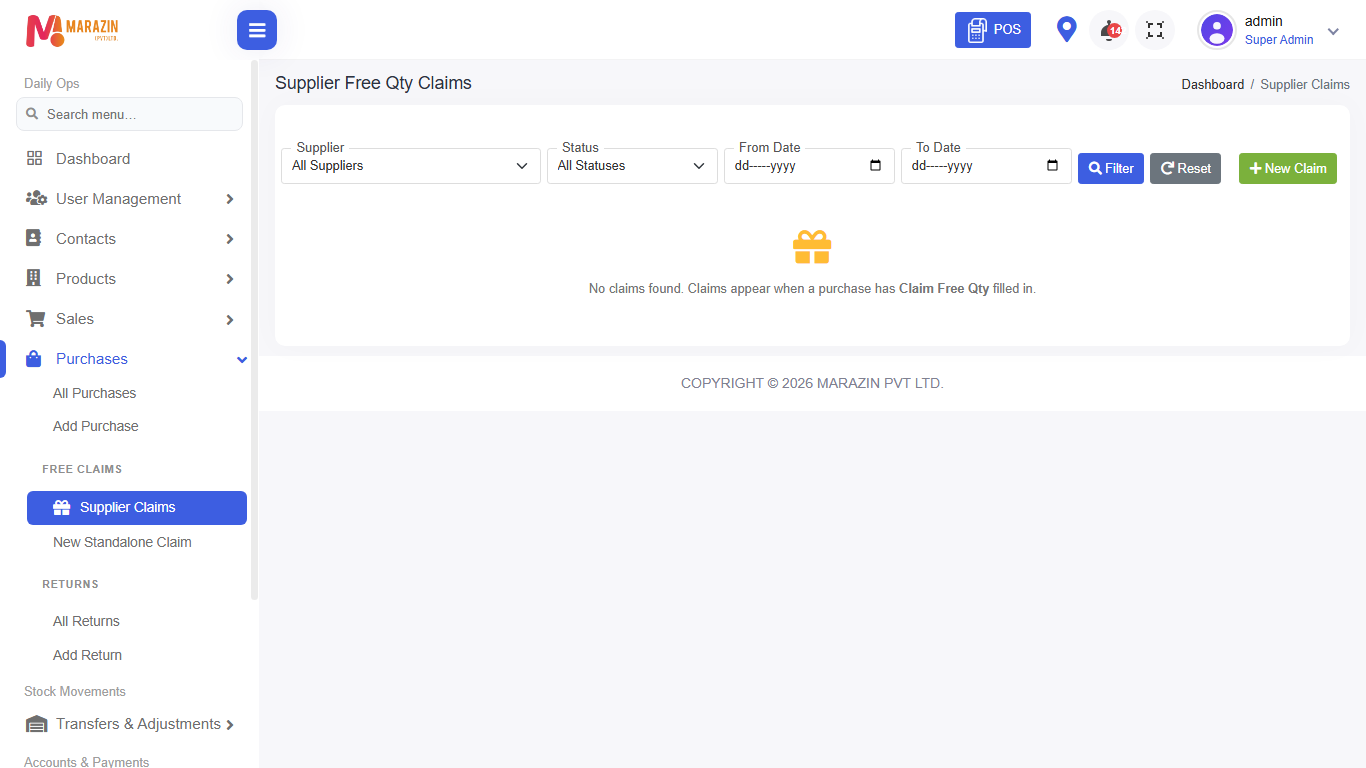
Who can use this: view supplier claims. Create needs create supplier claims. Receive needs receive supplier claims. Where to find it: Purchases > Supplier Claims (under Free Claims)
What is this?
Supplier claims track free / claim stock from a supplier. Use New Standalone Claim when there is no linked purchase.
Before you start
Add the supplier first. CHECK: menu shows only when supplier claims access allows.
Steps
-
Open Purchases > Supplier Claims.
-
To start a claim without a purchase, open New Standalone Claim.
-
Choose the supplier and products / quantities.
-
Save the claim.
-
Receive the claim when goods arrive (if your role has receive permission).
Field guide
| Field | Required? | What to enter |
|---|---|---|
| Supplier | Yes | Who gives the free claim. |
| Products | Yes | Claim items and quantities. |
What you will see
Claim list with status and supplier name.
Tips
- Receive only after goods arrive.
- Keep claim notes clear for the next staff member.
Common problems
| Problem | Solution |
|---|---|
| Menu missing | Supplier claims access is off for this shop or role. |
| Cannot receive | Role needs receive supplier claims. |