Purchase return
Who can use this: view purchase-return and create purchase-return. Where to find it: Purchases > All Returns and Add Return
What is this?
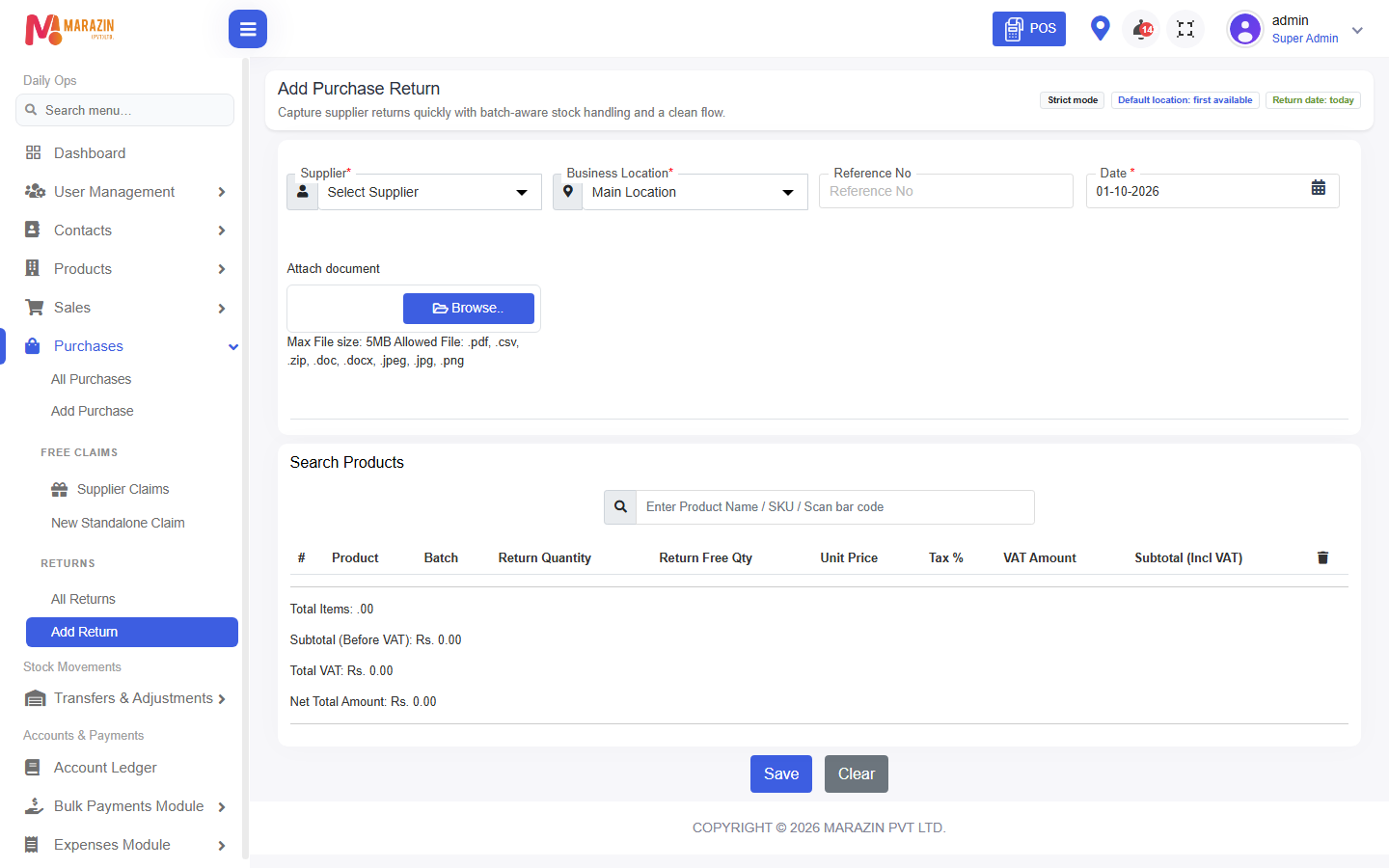
A purchase return sends stock back to the supplier. The list title is Purchases Return. The form title is Add Purchase Return.
Before you start
The original purchase should already be saved. You need the supplier and the product.
Steps
-
Open Purchases > Add Return.
-
Pick the supplier.
-
Add the products you are sending back.
-
Save the form.
-
Open All Returns to see the record.
What you will see
Stock for those products goes down. The return appears on All Returns.
Tips
- Use the list before you add another return for the same bill.
- Free claims are a separate menu, Supplier Claims.
Common problems
| Problem | Solution |
|---|---|
| Add Return is missing | Ask for create purchase-return. |
| The quantity is refused | You cannot return more than you bought. |