Purchase list
Who can use this: view purchase. Where to find it: Purchases > All Purchases
What is this?
This list shows purchase bills. The page title is Purchases.
Before you start
Add at least one purchase if the list is empty.
Steps
-
Open Purchases > All Purchases.
-
Use the date or supplier filters if they are on the page.
-
Open a row to see that bill.
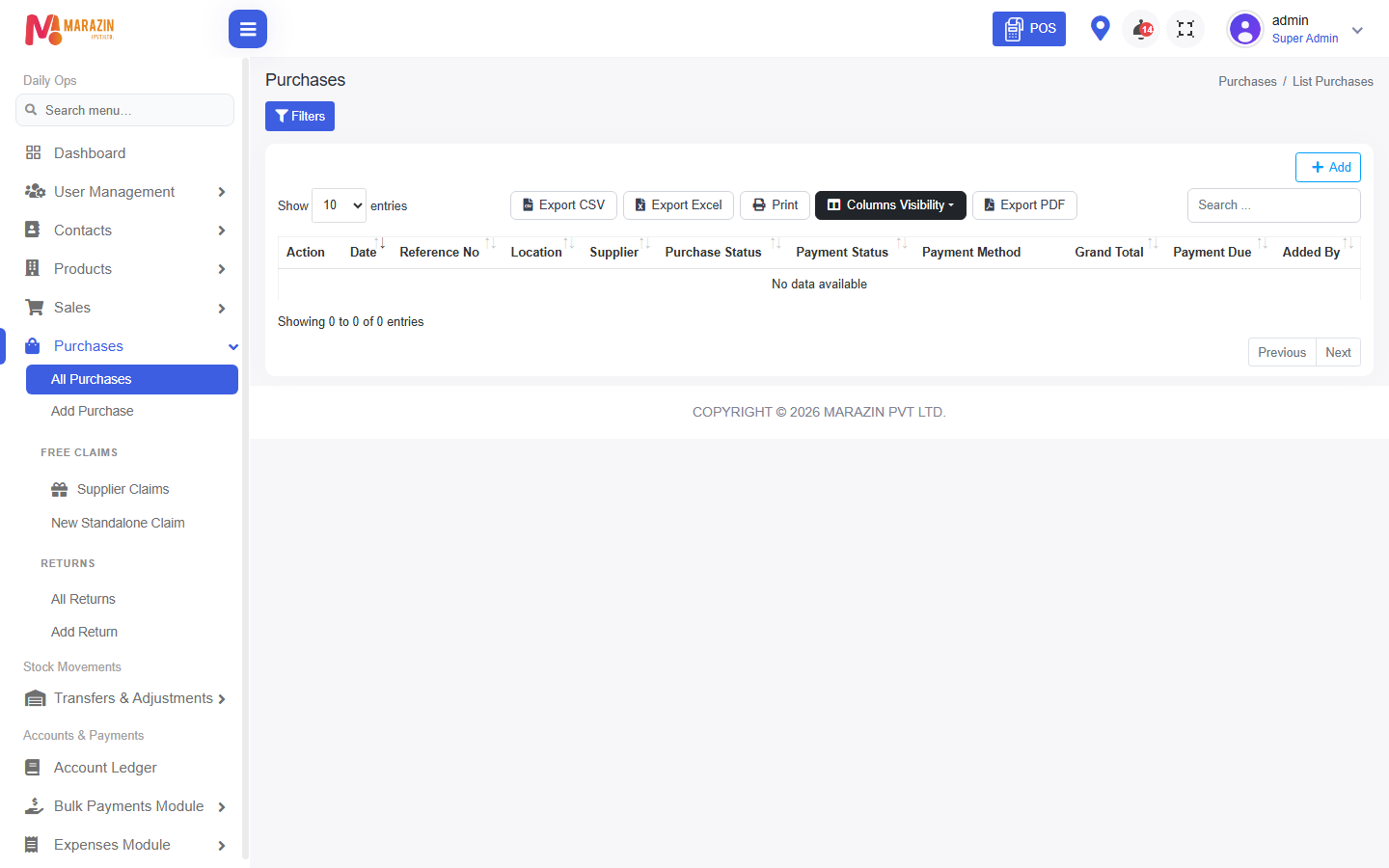
What you will see
Each row is one supplier bill. Totals follow the dates you pick.
Tips
- Use this list to match a supplier invoice.
- Open Add Purchase from the same menu for a new bill.
Common problems
| Problem | Solution |
|---|---|
| The list is empty | Check the date filter. Widen the dates. |
| A bill is missing | Confirm it was saved, not only typed. |