Import products
Who can use this: import product. Where to find it: Products > Import Products
What is this?
This page loads many products from a file. The page title is Import Products.
Before you start
Units, brands, and categories should already exist. Keep a copy of your file before you upload it.
Steps
-
Open Products > Import Products.
-
Read the notes on the page.
-
Choose your file.
-
Start the import with the button on the page.
-
Open All Products and check a few names.
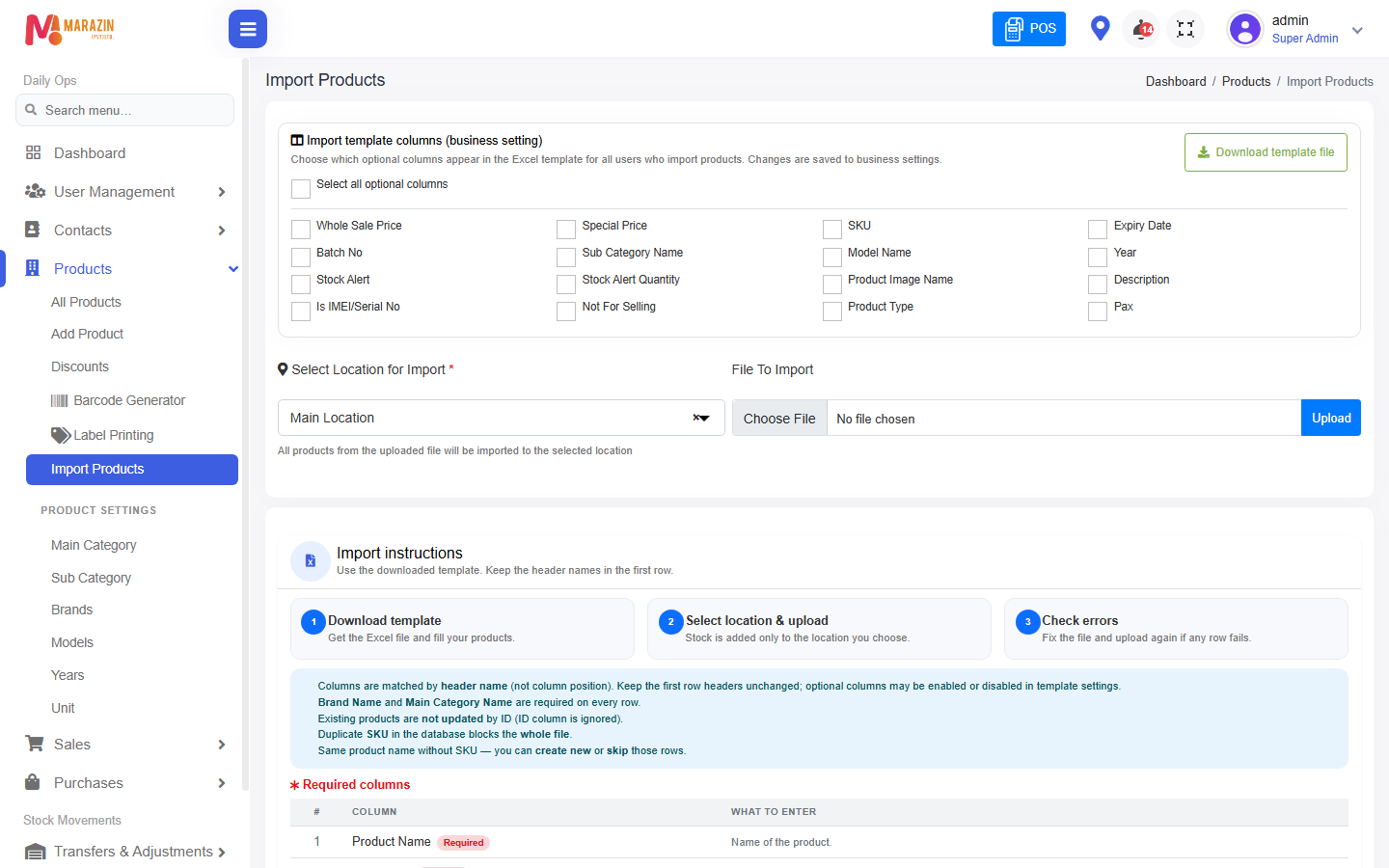
CHECK: confirm the upload button text on the screen before you click it.
What you will see
Imported names show on All Products. Missing units or brands show as errors on the page.
Tips
- Import a small file first.
- Do not import the same file twice unless you mean to.
Common problems
| Problem | Solution |
|---|---|
| The menu is missing | The role needs import product. |
| Rows fail | Fix the category, brand, or unit name in the file. |