Discounts
Who can use this: view discount. Creating needs create discount. Where to find it: Products > Discounts
What is this?
A discount rule lowers the price for selected products or a period. The page title is Discounts.
Before you start
Add the products first. Decide if the discount is a percent or a fixed amount.
Steps
-
Open Products > Discounts.
-
Click New (or the add button on the page).
-
Type the discount name.
-
Choose percent or amount, then enter the value.
-
Pick the products that use this discount.
-
Set start and end dates if the page asks.
-
Save. At POS, the discounted price shows when the rule matches.
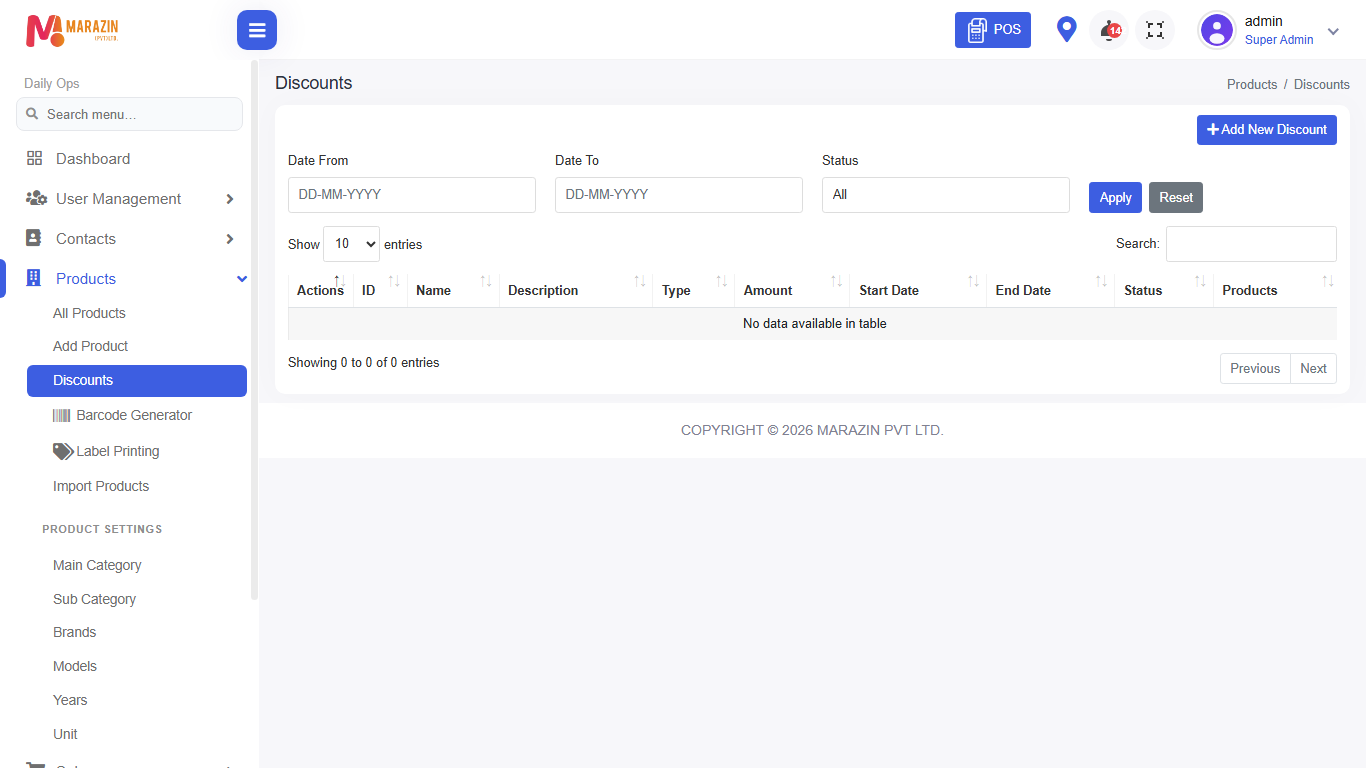
Field guide
| Field | Required? | What to enter |
|---|---|---|
| Discount name | Yes | A short name staff will recognise. |
| Value | Yes | Percent or money amount. |
| Products | Yes | The items this rule covers. |
| Dates | No | Leave open if it never ends. |
What you will see
The list shows active and past discounts. You can open a row to edit or remove it when your role allows.
Tips
- Use one clear name per offer.
- Turn off old discounts so cashiers are not confused.
Common problems
| Problem | Solution |
|---|---|
| Discount does not apply at POS | Check dates, products, and that the rule is active. |
| Menu is missing | Role needs view discount. |