Catalog setup order
Who can use this: Anyone who can open Products. Where to find it: Products
What is this?
Do these steps before the first bill. A product needs a unit, a brand, and a category.
Before you start
Sign in as a manager. Know the names of your categories and units.
Steps
-
Open Products > Main Category. Add each top group.
-
Open Products > Sub Category. Add groups inside those.
-
Open Products > Brands. Add each brand.
-
Open Products > Unit. Add pieces, kg, or packs.
-
Open Products > Add Product. Save the item.
-
Use Save & Add Opening Stock when the item is already on the shelf.
-
Open Products > Barcode Generator when labels are needed.
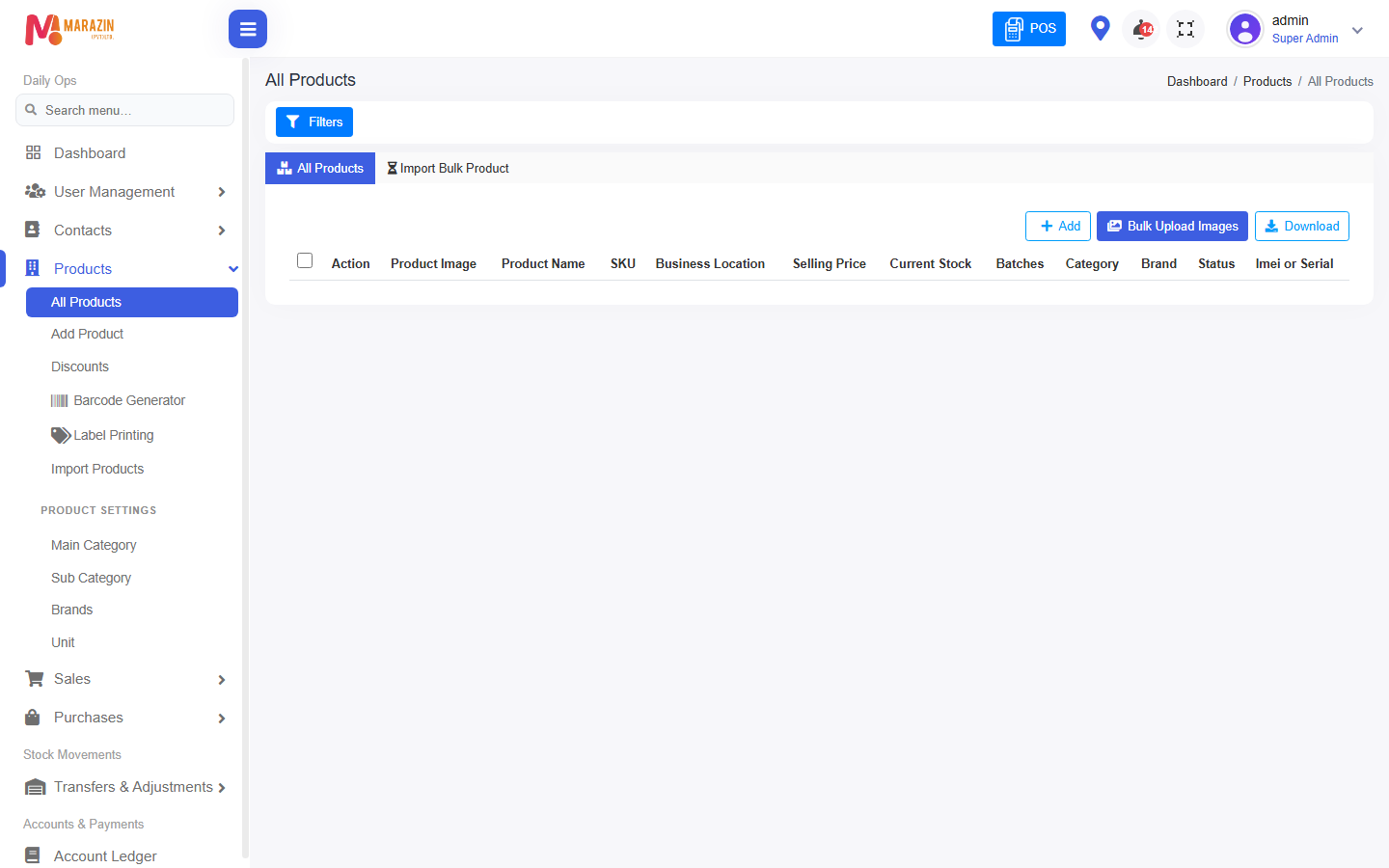
What you will see
All Products lists the items you saved. The counter search finds them after that.
Tips
- Finish units and categories before Add Product.
- Use the same unit name every time. Example: Pcs.
Common problems
| Problem | Solution |
|---|---|
| Add Product has an empty unit list | Add a unit first. |
| The counter cannot find the item | Check Product Name and Product SKU. |