Brands and units
Who can use this: view brand and view unit. Models and years need view product-model-year. Where to find it: Products > Brands, Unit, Models, Years
What is this?
A brand is the maker name. A unit is how you count the item, such as Pcs or Kg.
Before you start
List the brands you sell. List the units you use at the counter.
Steps
-
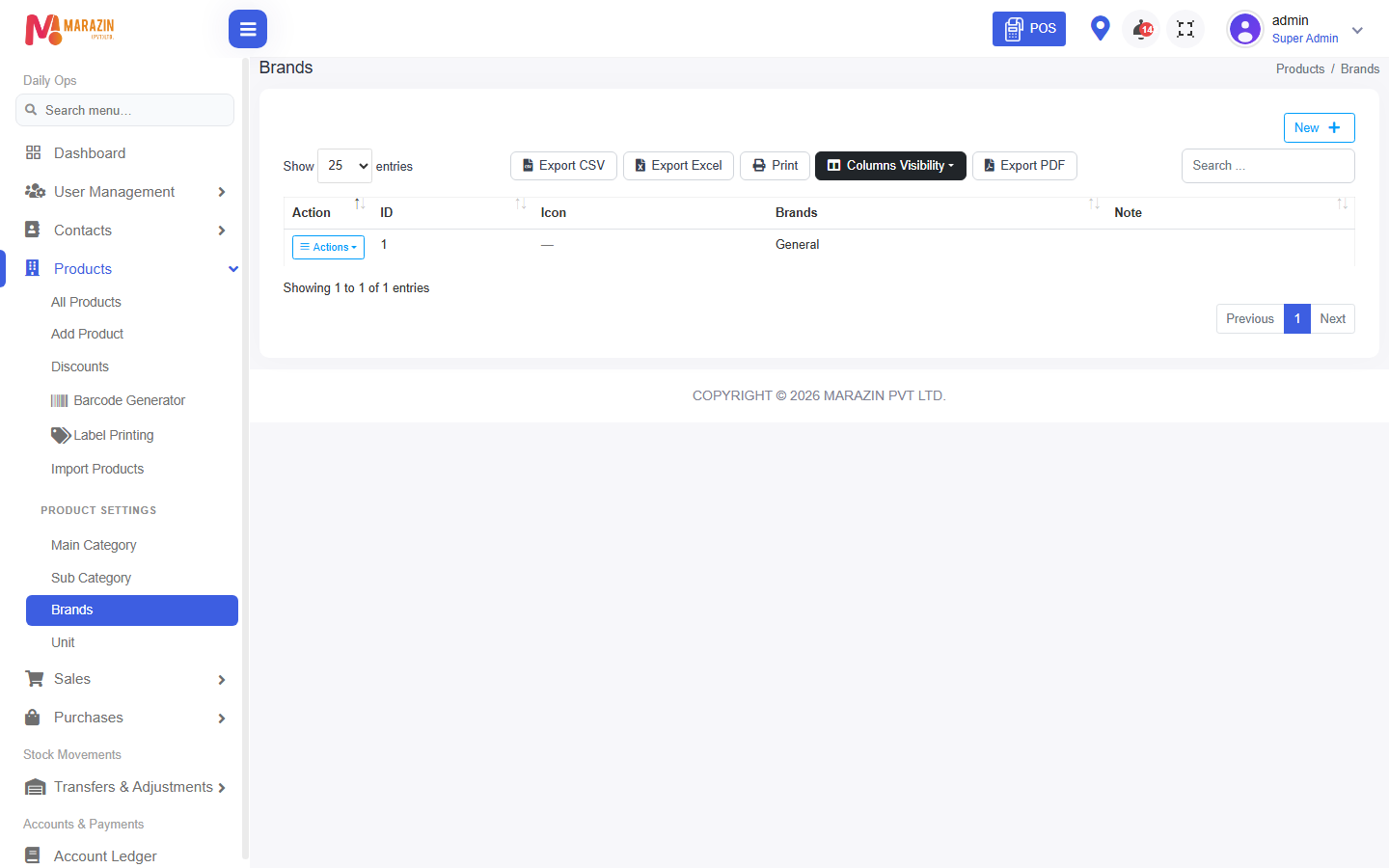
Open Products > Brands. The title is Brands.
-
Click New.
-
Type the brand name and click Save.
-
Open Products > Unit. The title is Units.
-
Click New.
-
Type the unit name and click Save.
Models and years
Models and Years sit under Product Settings. Use them when an item needs a model name or a year. They are optional for a simple grocery shop.
What you will see
Add Product can use the brand and the unit you saved.
Tips
- Add Pcs once. Do not also add Piece and PCS.
- Close the form with Close if you do not want to save.
Common problems
| Problem | Solution |
|---|---|
| Brand list is empty on Add Product | Save a brand first. |
| Models is missing | The role needs view product-model-year. |