POS shortcuts
Who can use this: access pos. Where to find it: The keyboard icon on POS. The tip title is Keyboard Shortcuts.
What is this?
These keys speed up billing. Hover the keyboard icon to see the full list.
Before you start
Click inside the POS screen first. The keys act on this bill only.
Steps
-
Open POS.
-
Hover the keyboard icon.
-
Use the keys below.
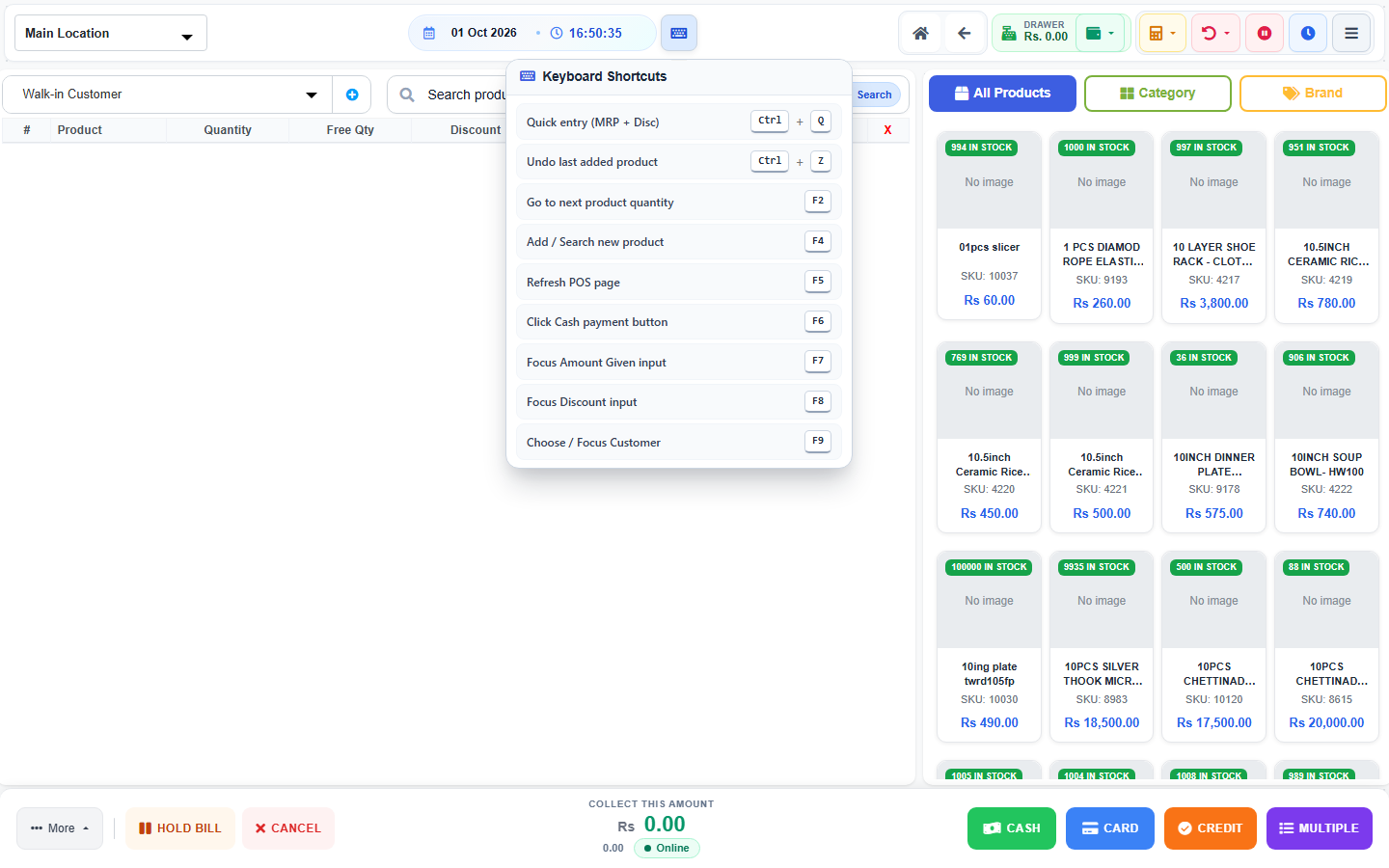
Keys
| Key | What it does |
|---|---|
| Ctrl + Q | Quick entry for price and discount. |
| Ctrl + Z | Undo the last added product. |
| F2 | Go to the next product quantity. |
| F4 | Add or search a new product. |
| F5 | Refresh the POS page. |
| F6 | Click the cash payment button. |
| F7 | Focus the amount given box. |
| F8 | Focus the discount box. |
| F9 | Choose or focus the customer. |
What you will see
The same bill you would get with the mouse. F5 reloads the screen. Finish or hold the bill first.
Tips
- Learn F4, F6, and F9 first.
- Do not press F5 in the middle of a bill.
Common problems
| Problem | Solution |
|---|---|
| A key does nothing | Click the POS page, then try again. |
| F6 does not pay | Add a product before cash payment. |