Trade-in stock
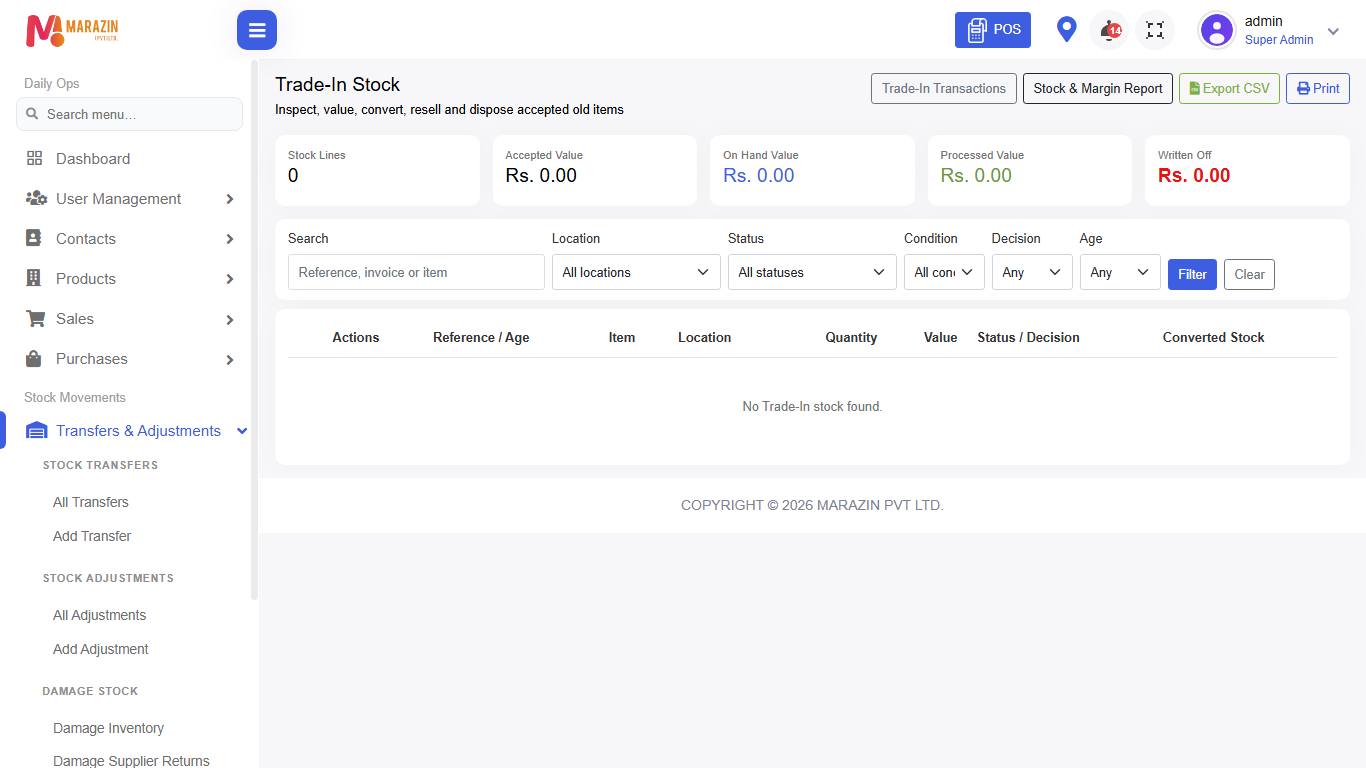
Who can use this: view trade-in stock. Convert needs convert trade-in stock. Where to find it: Transfers & Adjustments > Trade-In Inventory
What is this?
Trade-in stock is used goods taken from customers. You can inspect, convert to sellable stock, or write off.
Before you start
Trade-in usually starts from a sale that accepts a trade-in item. Open Trade-In Transactions from the page when you need the full history.
Steps
-
Open Transfers & Adjustments > Trade-In Inventory.
-
Find the item in the list.
-
Open Inspect Trade-In Item when you check condition.
-
Use Convert Trade-In to Sellable Stock when it can be sold again.
-
Use Write Off Trade-In Stock only when it has no value.
Field guide
| Field | Required? | What to enter |
|---|---|---|
| New product name | When converting | Name for the sellable / scrap product. |
| Category | When converting | Often Trade-In Used or Trade-In Scrap. |
What you will see
Trade-in inventory rows and action buttons by permission.
Tips
- Inspect before you convert.
- Write-off creates an inventory expense — use carefully.
Common problems
| Problem | Solution |
|---|---|
| Empty list | No trade-in stock yet, or wrong location filter. |
| Convert missing | Role needs convert trade-in stock. |