Sign in
Who can use this: Anyone with a user account. Where to find it: Open your shop web address.
What is this?
This page checks who you are. After you sign in, you see your home screen.
Before you start
Ask your manager for your user name and password. Use the shop address they gave you.
Steps
-
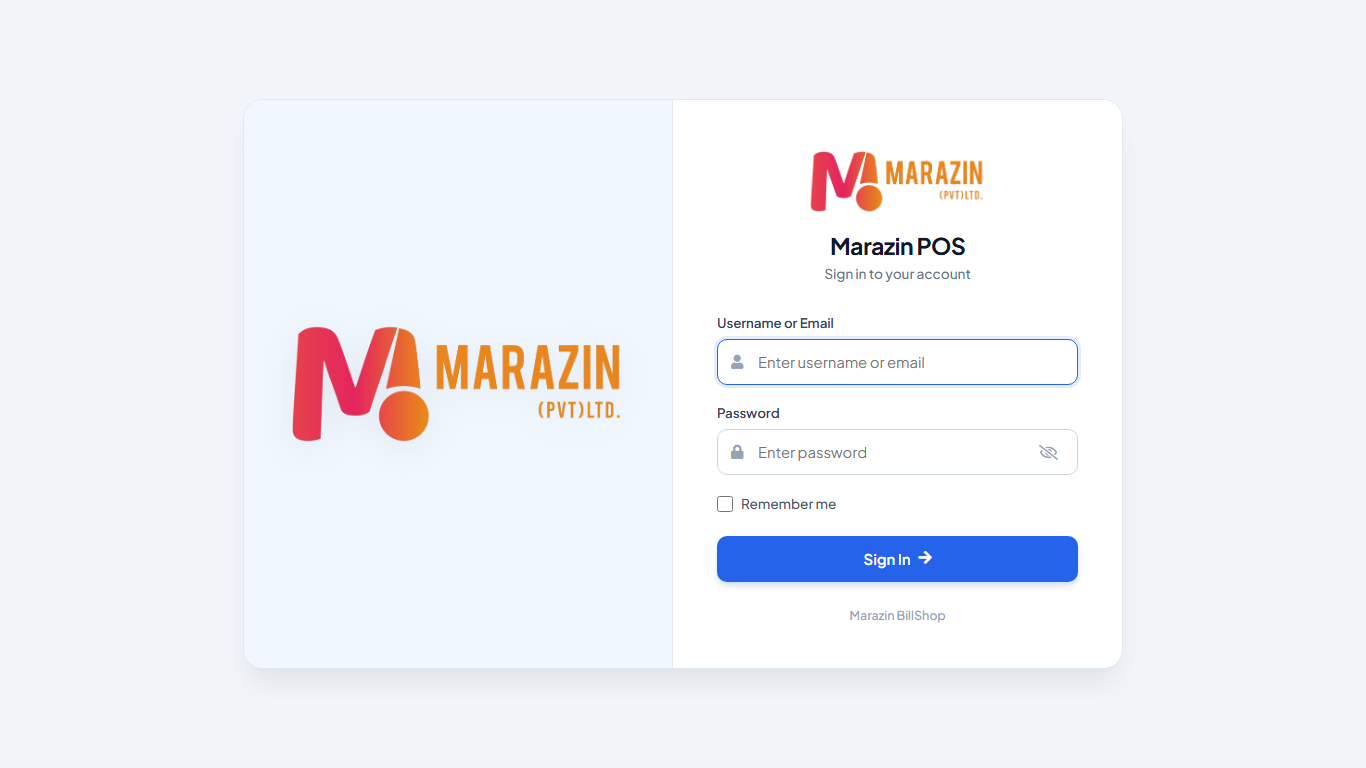
Open the shop web address in your browser.
-
Click Username or Email.
-
Type your user name or your email.
-
Click Password.
-
Type your password.
-
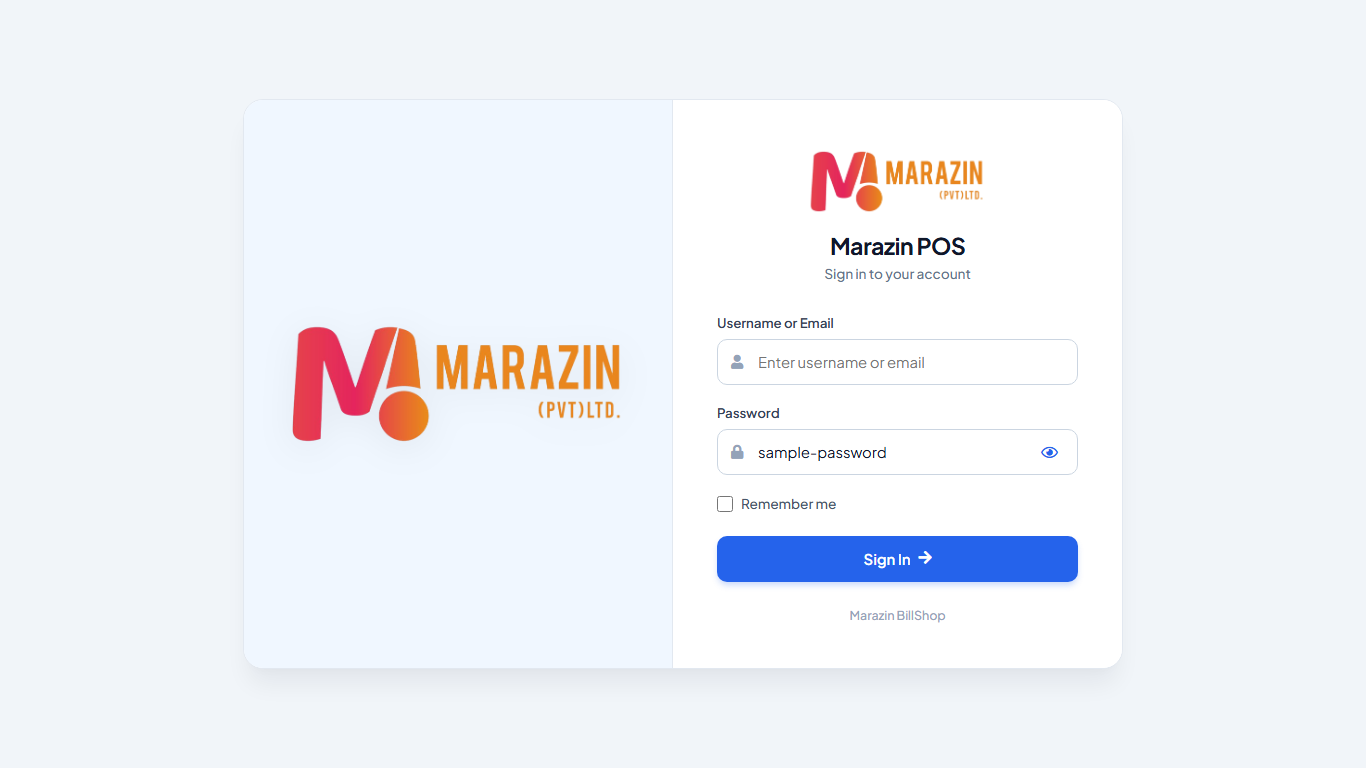
Click the eye icon to show or hide the password.
-
Tick Remember me only on your own computer.
-
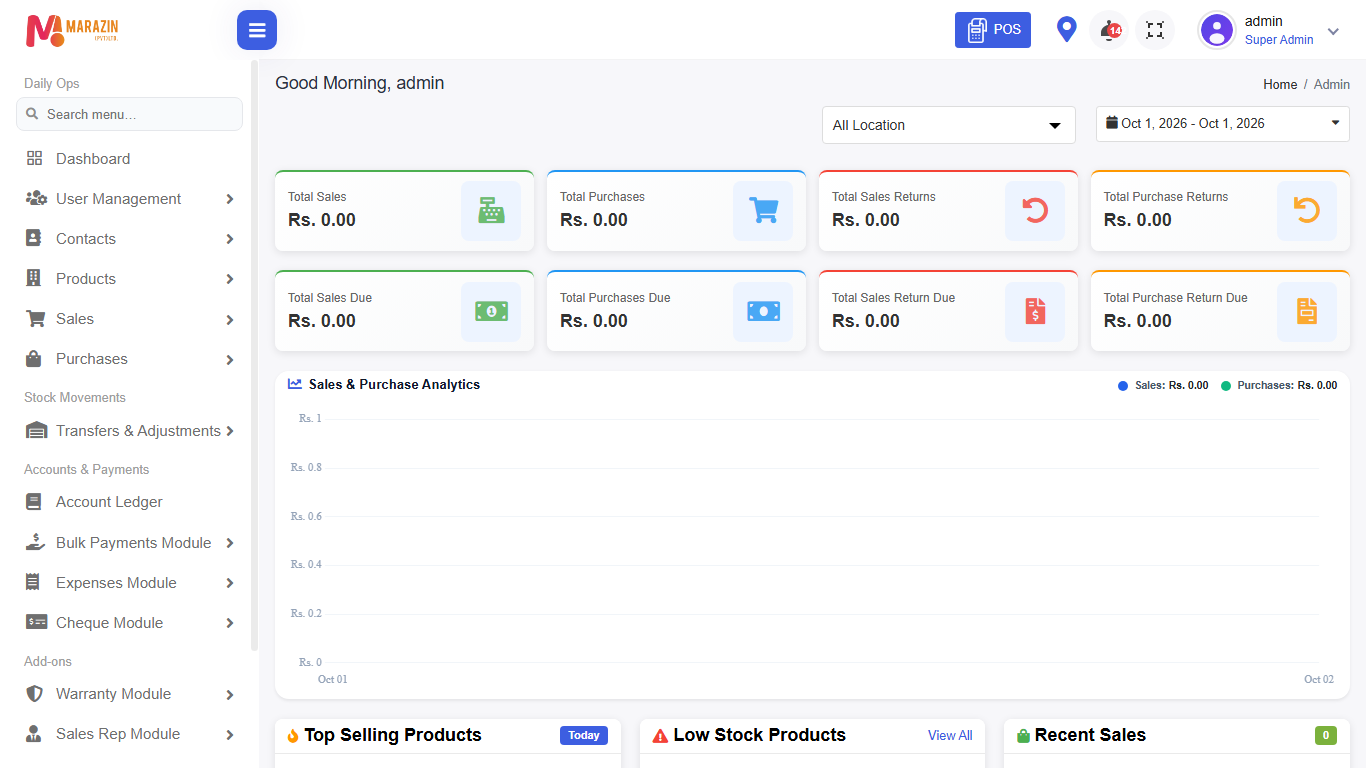
Click Sign In.
Field guide
| Field | Required? | What to enter |
|---|---|---|
| Username or Email | Yes | Your user name or email. |
| Password | Yes | Your password. |
| Remember me | No | Tick it to stay signed in on this browser. |
What you will see
The page title is your shop name, then Sign In. A correct sign in opens Dashboard. A wrong sign in shows a red message under the field.
Tips
- Leave Remember me clear on a shared counter computer.
- The eye icon only shows the password on this screen.
Common problems
| Problem | Solution |
|---|---|
| Red message under Username or Email | Check the user name or email. Try again. |
| Red message under Password | Check the password. Ask a manager to reset it from Users. |
| The page will not open | Check the shop address with your manager. |