Set up Sales reps
Who can use this: view sales-rep, view routes, or manage sales targets Where to find it: Sales Rep Module
What is this?
Create the master records before the first real bill.
Before you start
The feature switch must already be on. See Overview.
Steps
-
Open Cities and save the towns.
-
Open Routes and save each route.
-
Open Route Cities and attach towns to a route.
-
Open Sales Reps and attach a person.
-
Open Targets if you set a monthly goal.
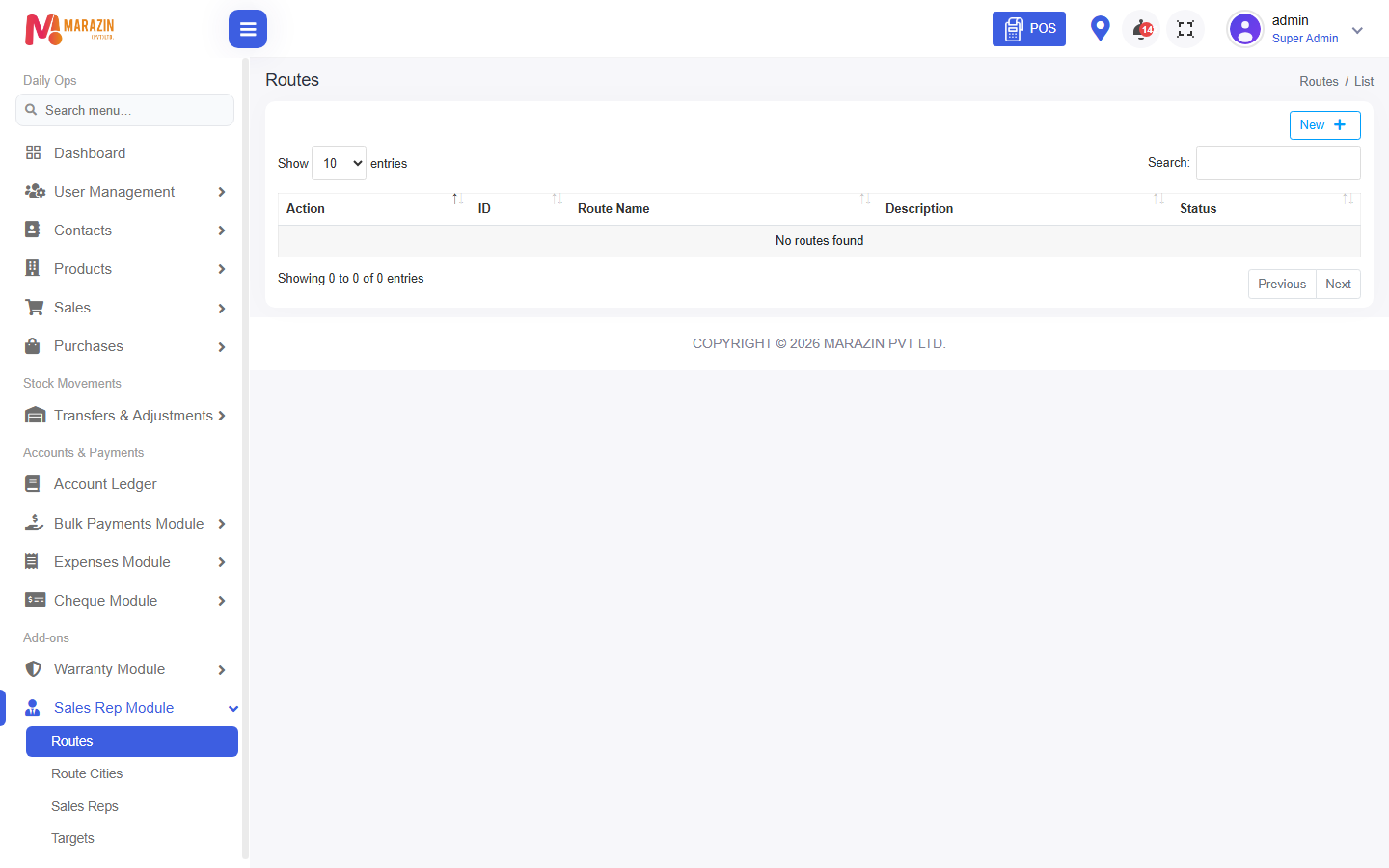
What you will see
The new records show in the list. POS or sales can use them after that.
Tips
- Use a test record first.
- Click Close if you do not want to save.
Common problems
| Problem | Solution |
|---|---|
| New is missing | Your role cannot create records here. |
| Save shows a red line | Fill every star field. |