Sales reps
CHECK: The left menu name is Sales Rep Module, not Van Sales or Vehicle Trip.
Who can use this: view sales-rep, view routes, or manage sales targets Where to find it: Sales Rep Module
What is this?
This menu is for staff who sell on a route, with cities and targets.
Before you start
Turn the feature on before you train staff. Leave it off if this shop does not use it.
Steps
-
Open Settings > General Settings.
-
Open Features.
-
Find Sales rep & routes module.
-
Turn it on. It saves by itself.
-
Refresh the page so the menu appears.
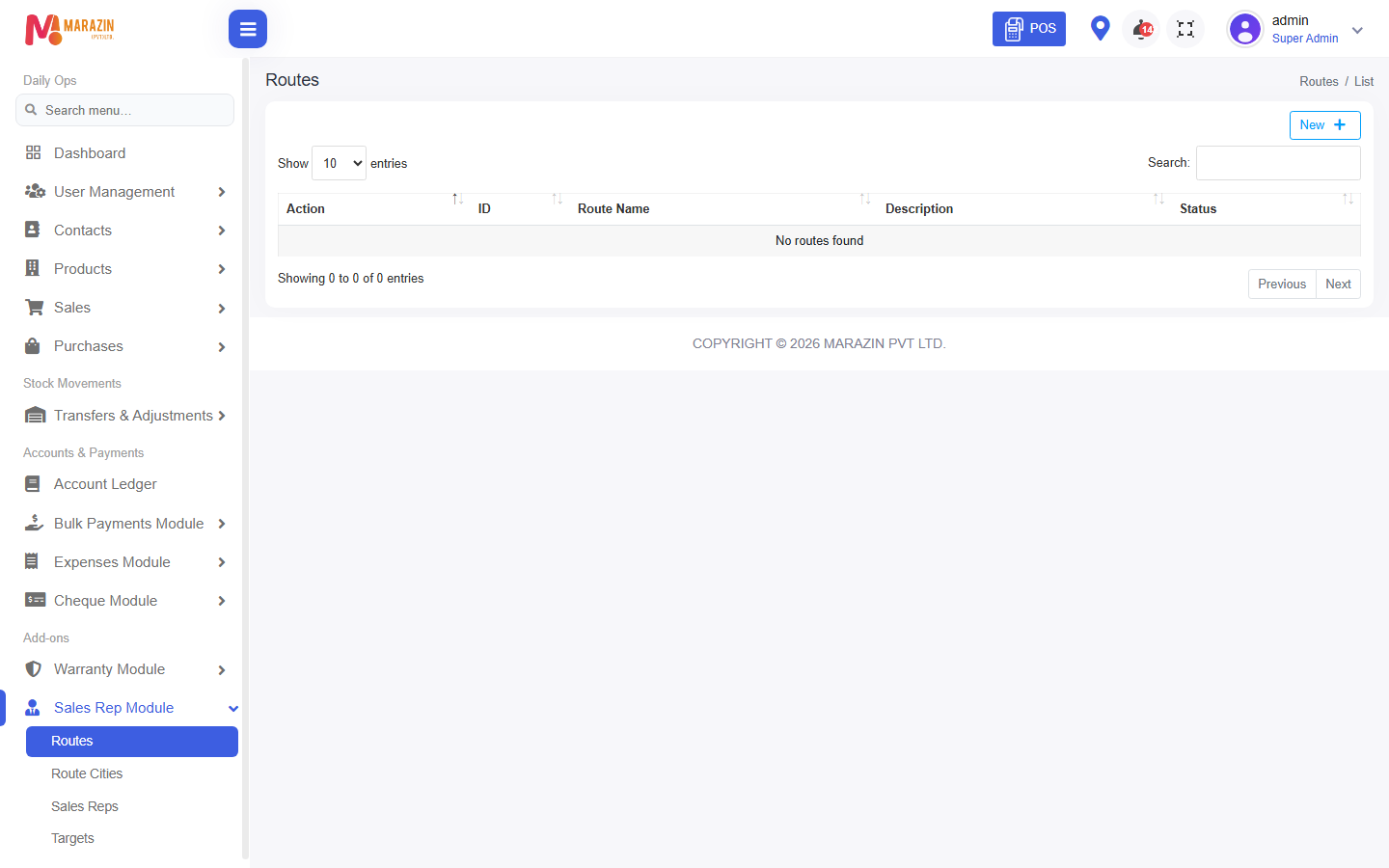
What you will see
The menu appears for roles that have access. Staff without the permission still will not see it.
Tips
- Turn it on only when you are ready to use it.
- Give the permission to the right role, not every user.
Common problems
| Problem | Solution |
|---|---|
| The menu is missing | Turn Sales rep & routes module on, then refresh. |
| The menu is still missing | Tick the permission on the role. |