Set up
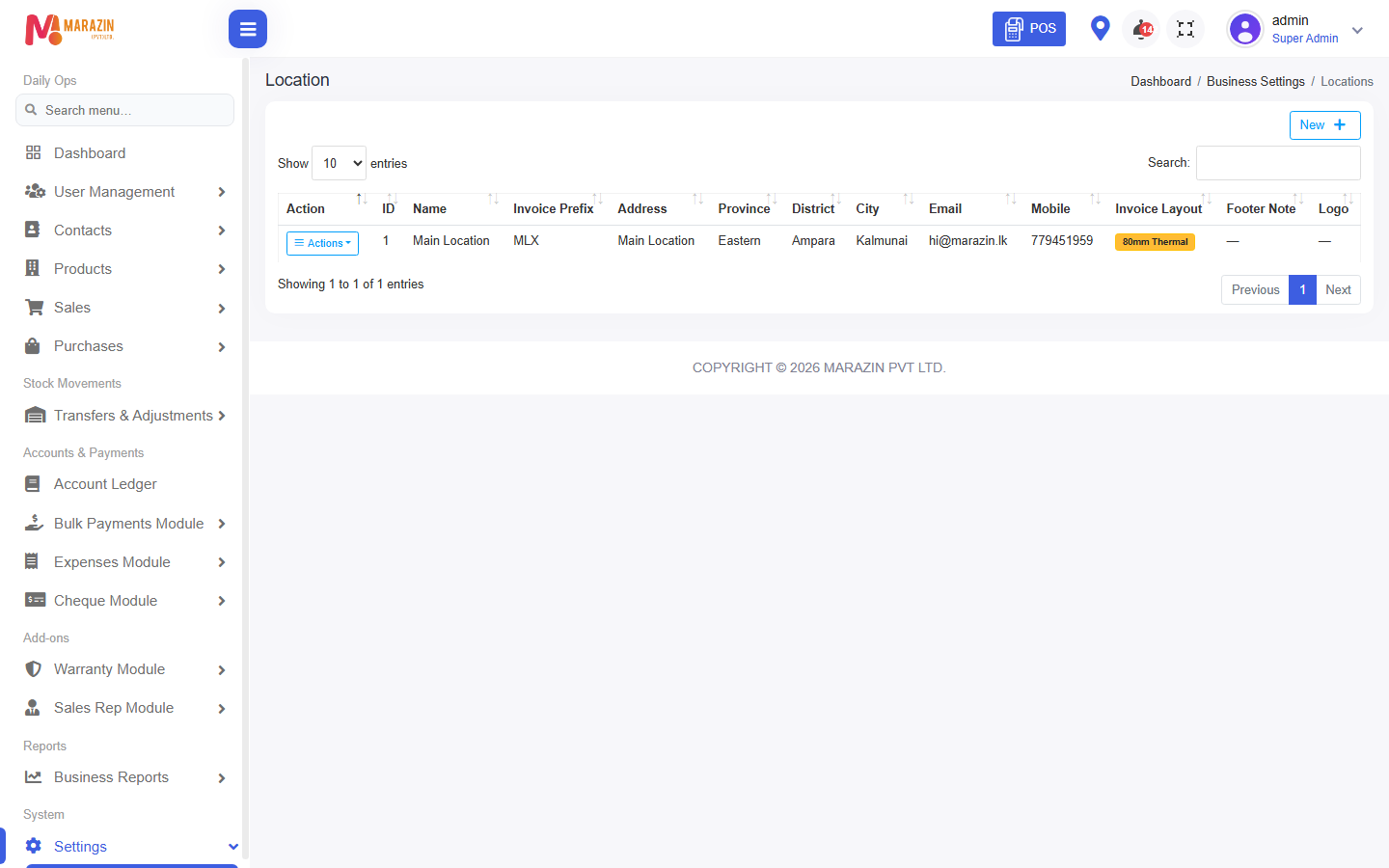
Who can use this: Location edit permission Where to find it: Settings > Locations
What is this?
Set receipt options once per shop location.
Before you start
Have a sample bill ready to reprint after saving.
Steps
-
Open Settings > Locations.
-
Click Edit on the branch.
-
Scroll to receipt / print options.
-
Tick shop name, address, phone, and other lines you need.
-
Save.
What you will see
Saved ticks on the location form.
Tips
- Match the paper width your printer uses.
- Keep legal lines your accountant needs.
Common problems
| Problem | Solution |
|---|---|
| Cannot edit | Ask admin for location edit permission. |