Receipt layout
Who can use this: Anyone who can edit a location (edit location / location permissions). Where to find it: Settings > Locations (not a separate sidebar menu)
What is this?
Receipt lines and print options are chosen on each location. There is no Receipt Designer menu in the left sidebar.
Before you start
Know which location printer you are changing. Open the same location the POS uses.
Steps
-
Open Settings > Locations.
-
Open Edit on the location.
-
Find the receipt / print option ticks on the form.
-
Turn on only the lines you want on the paper.
-
Save the location.
-
Make a test bill on POS and print.
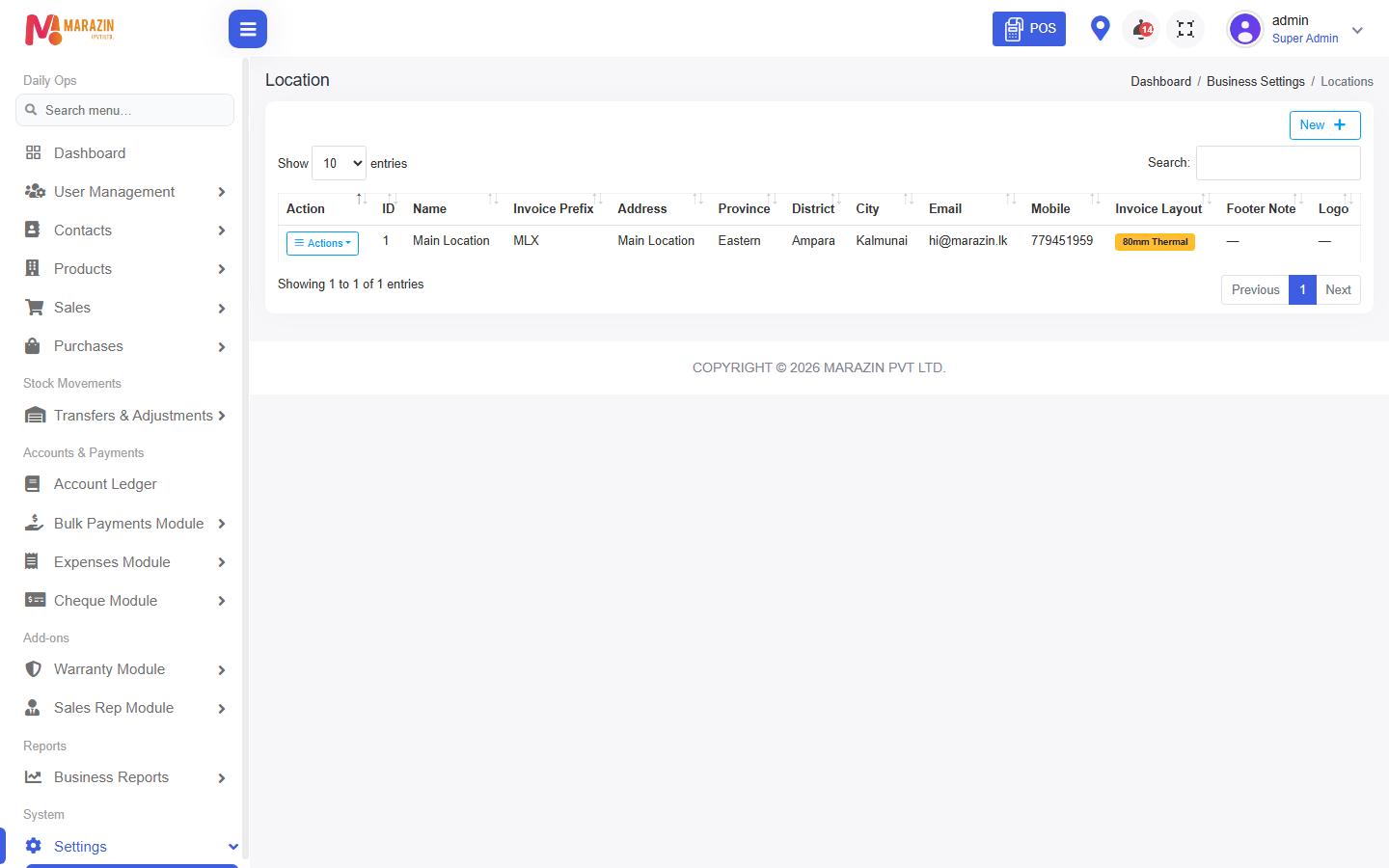
What you will see
The next print from that location follows the ticks you saved.
Tips
- Change one location at a time.
- Keep a sample print after each change.
Common problems
| Problem | Solution |
|---|---|
| Looking for Receipt Designer menu | Use Settings > Locations instead. |
| Print still old | Confirm POS is on the edited location, then reprint. |