Daily use
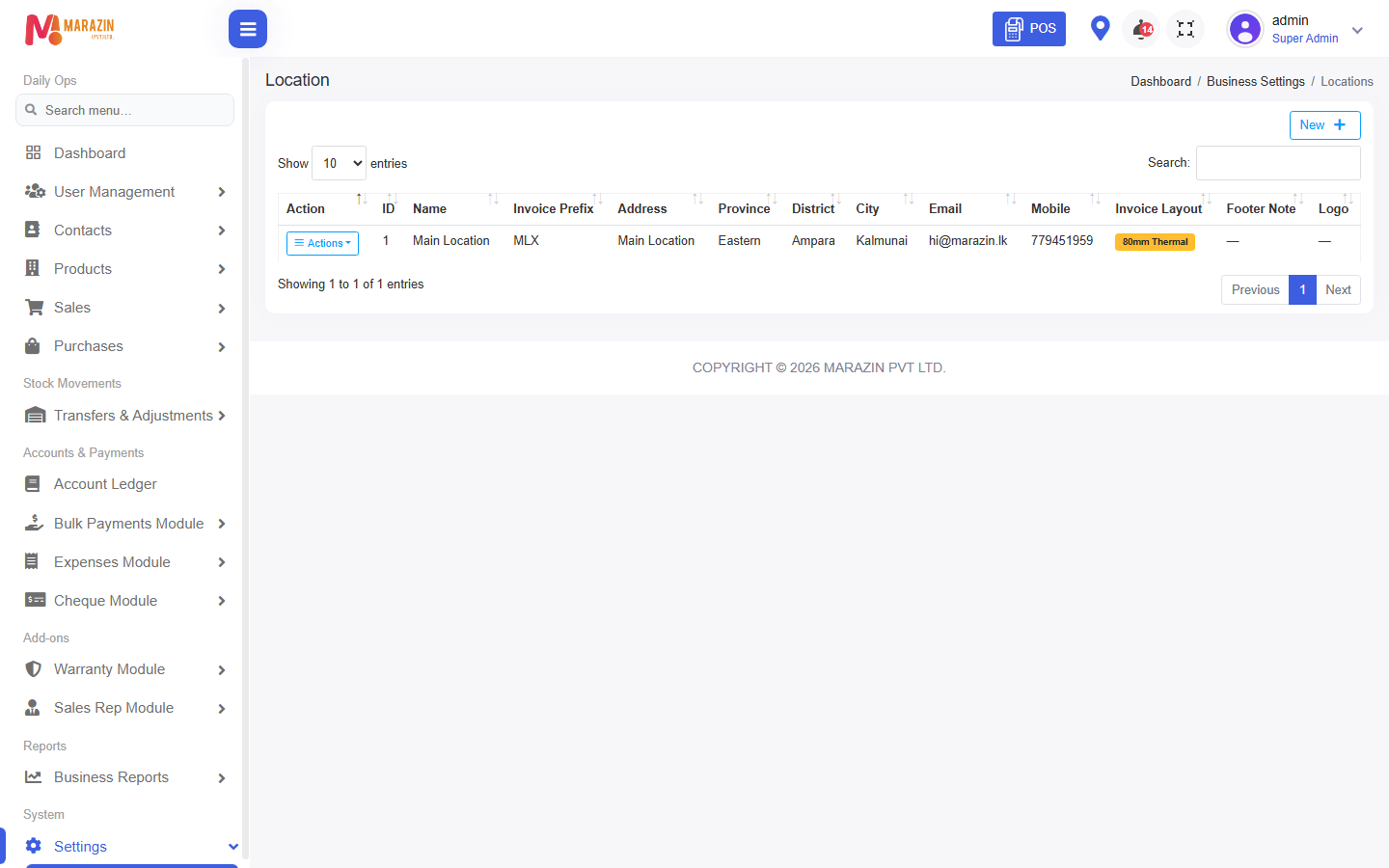
Who can use this: Cashiers print; managers edit locations Where to find it: POS print / Settings > Locations
What is this?
Day-to-day printing after the location ticks are set.
Before you start
Confirm the POS location matches the edited location.
Steps
-
Finish a sale on POS.
-
Click print on the payment success screen.
-
If a line is missing, ask a manager to edit the location ticks.
-
Reprint from Sales > All Sales > Print Invoice if needed.
What you will see
Paper matches the location options.
Tips
- Do not redesign every day — change only when the shop needs it.
Common problems
| Problem | Solution |
|---|---|
| Blank print | Check printer and browser print dialog. |
| Wrong shop name | Edit that location business details. |