Cheques received (customer)
Who can use this: view cheque-management
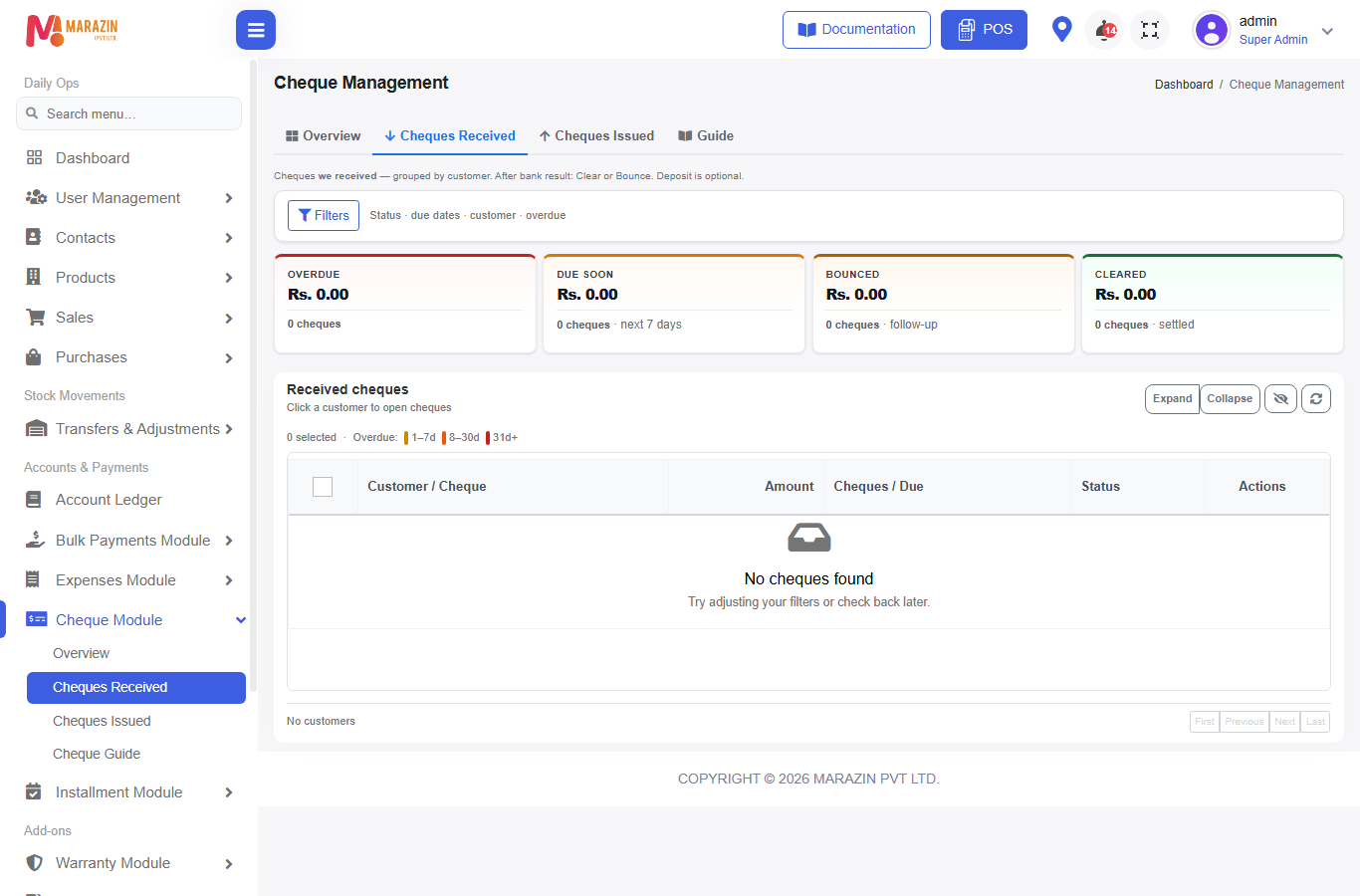
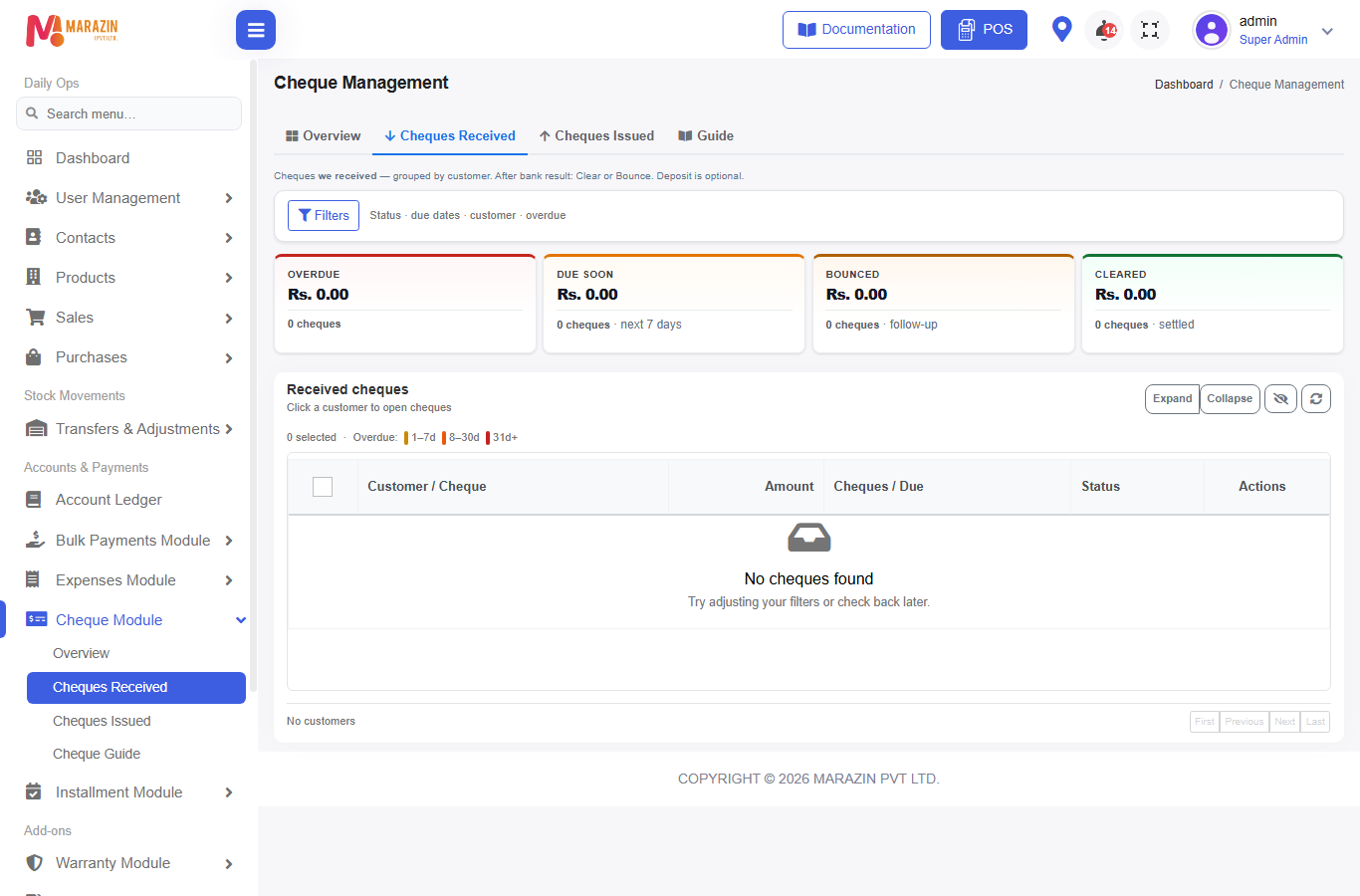
Where to find it: Cheque Module → Cheques Received
Hint on screen: cheques we received — Deposit is optional.
What is this?
Every customer payment with method Cheque lands here as Pending until you update the bank result.
Before you start
- Module on
- Customer is registered (not Walk-In for recovery later)
- Cheque fields filled when taking payment
How a cheque enters the list
A) POS
- Open POS, select customer, add products.
- Pay with Cheque.
- Modal Cheque Payment Details — fill:
- Cheque Number
- Bank Branch
- Cheque Received Date
- Cheque Valid Date
- Cheque Given by
- Confirm — sale can show Paid; cheque = Pending under Cheques Received.
B) Sales Payments (bulk)
- Bulk Payments Module → Sales Payments.
- Customer → Payment Method = Cheque (or one method in Multiple Methods).
- Fill cheque details → allocate bills → Submit Payment.
- Same cheque can split across invoices — still one physical cheque group in management.
Update status
- Open Cheques Received.
- Filter by customer, status, dates as needed.
- Select row(s).
- Use toolbar:
| Action | Button | Result |
|---|---|---|
| Sent to bank | Deposit | Status → Deposited |
| Bank paid | Clear | Status → Cleared |
| Bank returned | Bounce | Opens bounce details → Confirm Bounce |
| Void | Set Cancelled / cancel path | Cheque cancelled; sale due restore when applicable |
| Paper for bank | Deposit PDF | PDF only — status unchanged |
Row menus often include View, Edit (status), Status history, and for bounced/recovered Recovery chain.
Cleared vs Bounced (money meaning)
| Bank result | What happens |
|---|---|
| Cleared | Money confirmed. Cheque finished. |
| Bounced | That amount becomes collectible again via floating balance (bill is not simply “deleted”). Next step: Bounce & recovery. |
Optional Bank Charges on bounce are charged once per physical cheque group.
Field guide
| Field | Notes |
|---|---|
| Cheque Number | Groups sibling payment rows |
| Bank Branch | Bank / branch text |
| Cheque Received Date | When you took it |
| Cheque Valid Date | Presentation / due tracking — can extend |
| Cheque Given by | Who handed the cheque |
Tips
- Deposit is optional — you may go Pending → Clear or Pending → Bounce.
- Prefer clearing soon after bank SMS / statement.
- Stock never changes here.
Common problems
| Problem | Solution |
|---|---|
| Missing from Received | Check Issued tab; confirm payment method was Cheque |
| Cannot Deposit | Issued list hides Deposit — use Received |
| Duplicate rows same number | Normal when one cheque paid many bills — treat as one group |