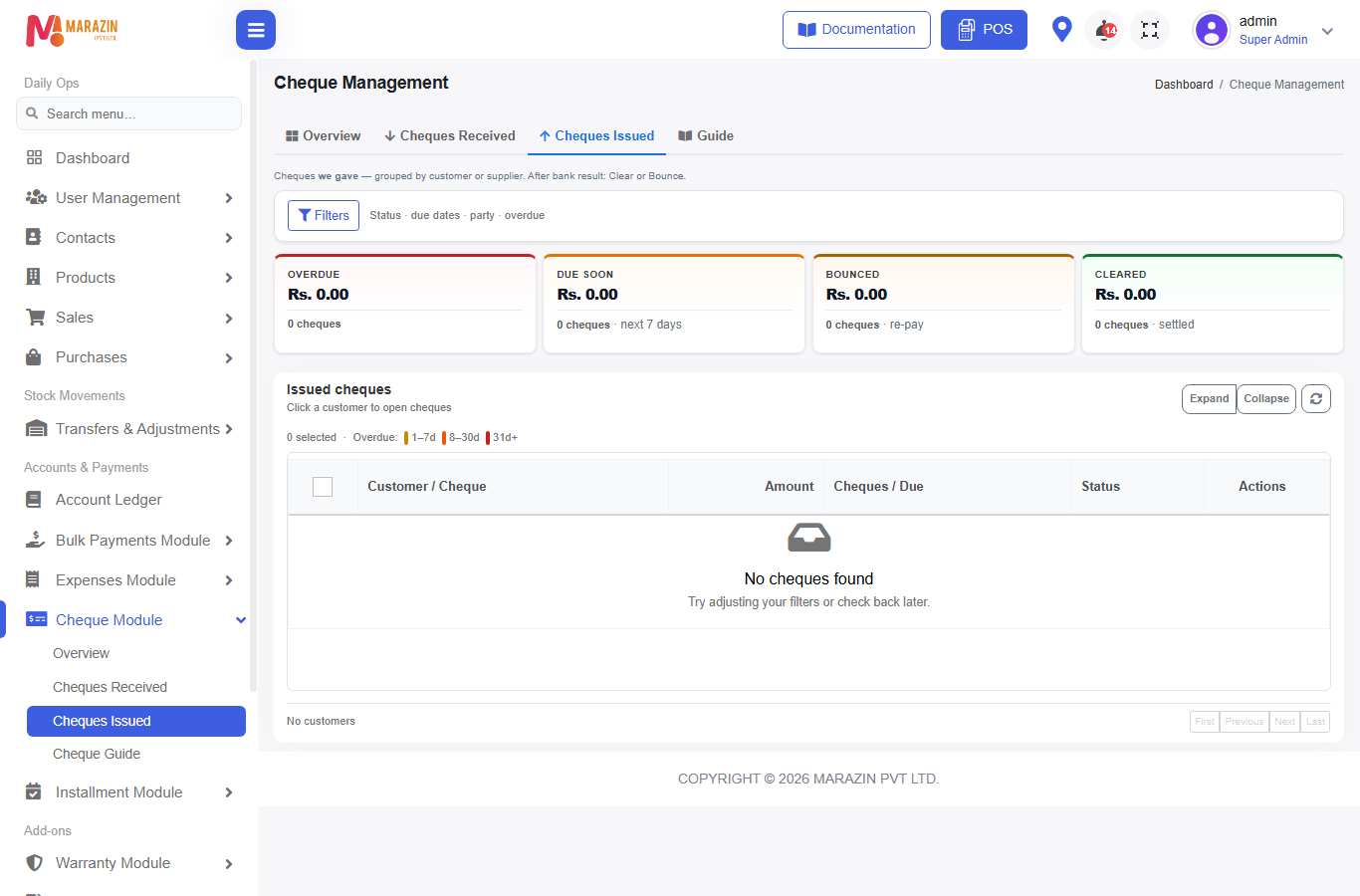
Cheques issued (supplier)
Who can use this: view cheque-management
Where to find it: Cheque Module → Cheques Issued
Hint: cheques we gave — after bank result use Clear or Bounce.
What is this?
Outgoing cheques (supplier purchase pay, some refunds / payouts) appear here.
Before you start
- Module on
- Payment created with method Cheque on purchase / purchase bulk / related payout
How a cheque enters the list
- Purchases or Bulk Payments Module → Purchase Payments.
- Select Supplier.
- Payment Method = Cheque → fill cheque details.
- Allocate bills → Submit Payment.
- Open Cheques Issued — status starts Pending.
Other outgoing cheque types (sale return refund cheque, supplier advance refund, etc.) also list here when direction is issued.
Update status
| Action | Available? | Notes |
|---|---|---|
| Clear | Yes | Bank paid the supplier cheque |
| Bounce | Yes | Bank returned — arrange a new payment to the party |
| Deposit | Hidden in UI | Received-only toolbar |
| Recovery | Hidden | Not the customer floating-balance recovery |
| Deposit PDF | Hidden | Received-only |
Bounce on issued (important)
Unlike customer cheques:
- No “floating balance recovery” toolbar for the supplier side
- Message intent: arrange a new payment to the party
- Create a fresh cash / bank / new cheque payment as needed
Tips
- Keep issued and received tabs separate when training staff.
- Match supplier statement after Clear.
Common problems
| Problem | Solution |
|---|---|
| Looking for Recovery | Use Cheques Received for customer bounce recovery |
| Cheque under wrong tab | Direction is set when the payment is created |
Related pages
- Overview
- Purchase payments
- Bounce & recovery (customer side)
- FAQ