Daily use
Who can use this: view cheque-management. POS cheque pay also needs cheque payment. Where to find it: Cheque Module
What is this?
This is the everyday path after setup.
Before you start
Finish Set up first.
Steps
-
Open Cheques Received for customer cheques.
-
Open Cheques Issued for supplier / outgoing cheques.
-
Update status when a cheque is deposited or clears.
-
Use bounce recovery tools from the module when a cheque bounces.
-
Print deposit PDF when the page offers it.
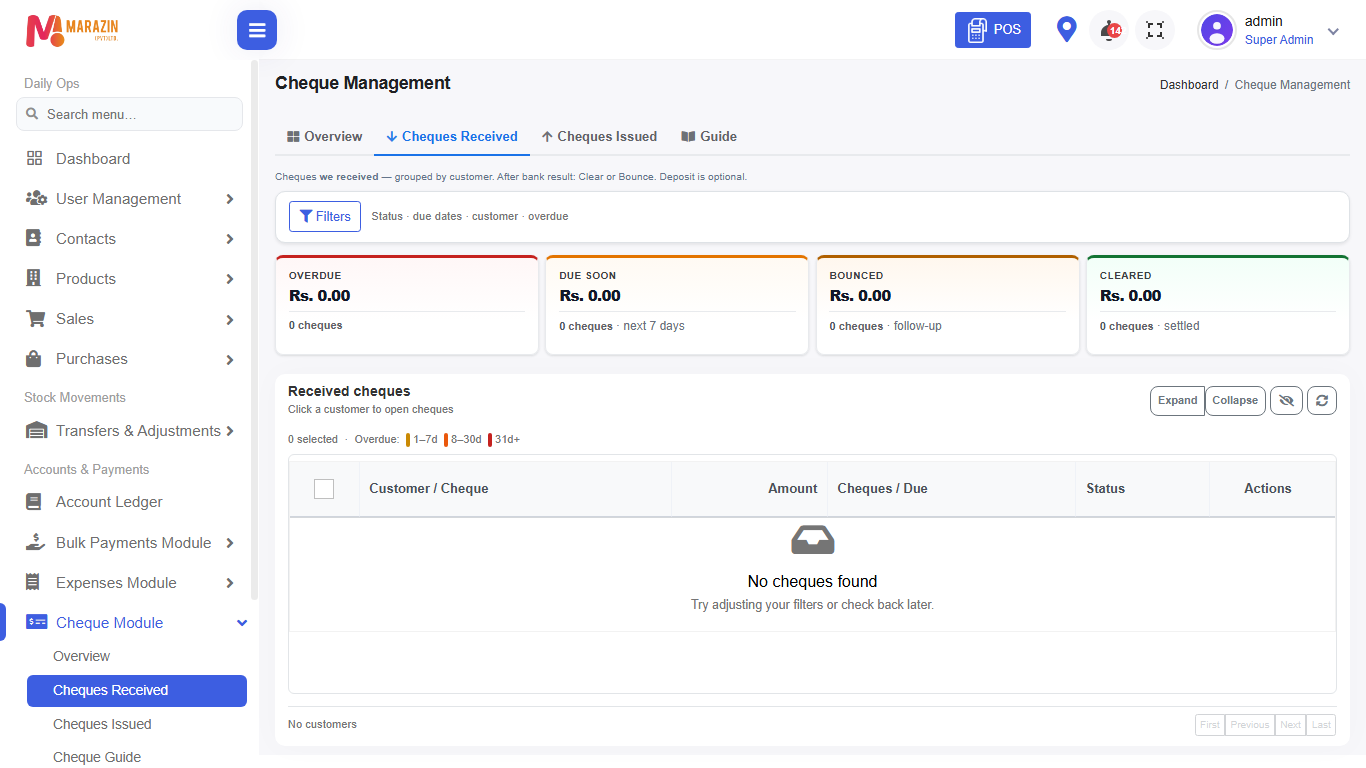
What you will see
The list or the form shows the result. You can reopen the record from the same menu.
Tips
- Stay on the correct location.
- Read the row status before you change anything.
Common problems
| Problem | Solution |
|---|---|
| The action is missing | Refresh after the feature was turned on. |
| The amount looks wrong | Open the record and read the lines. |