Bounce and recovery
Who can use this: view cheque-management
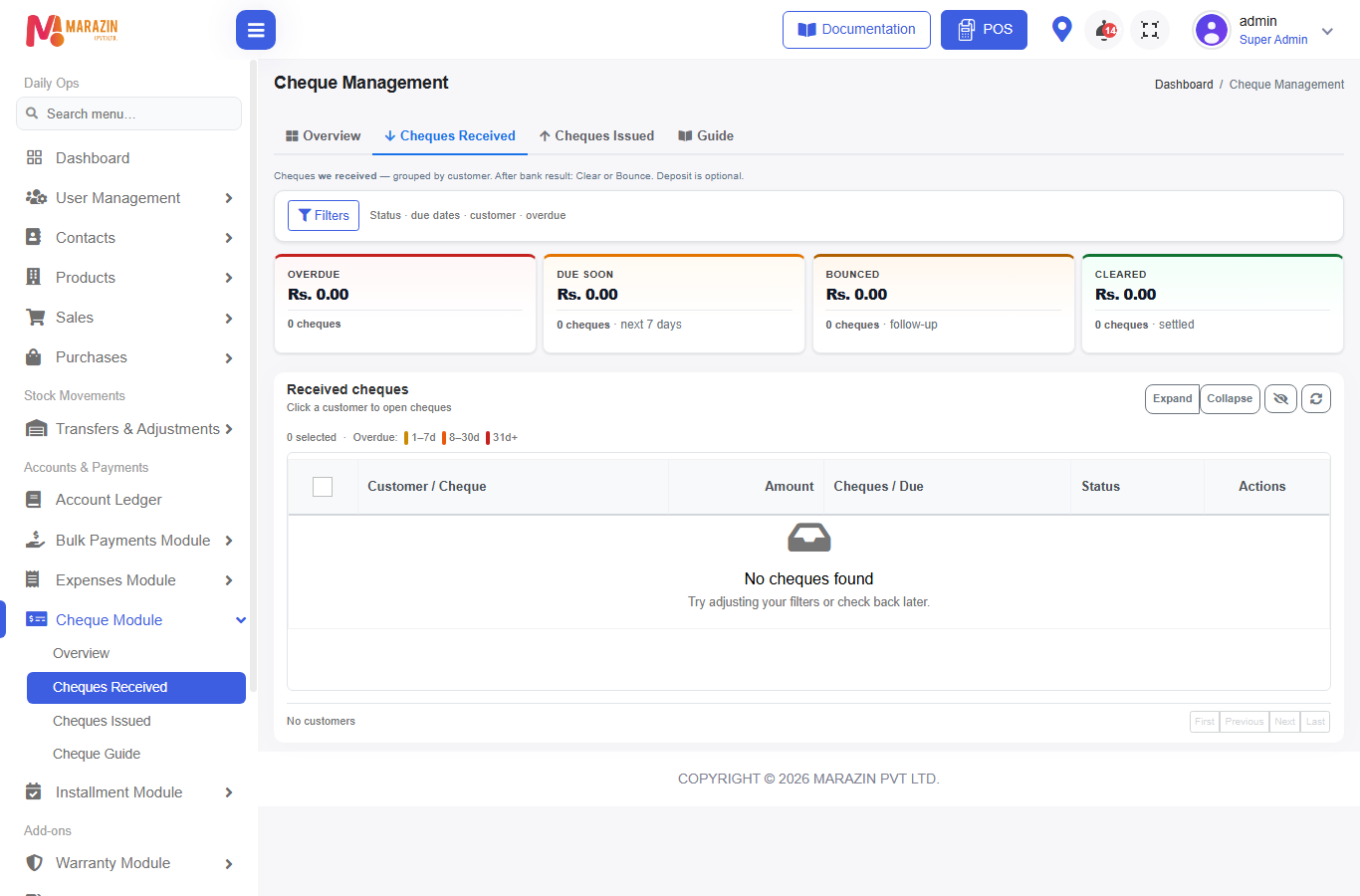
Where to find it: Cheque Module → Cheques Received (bounce + recovery)
Also linked from POS due / Sales Payments bounce alerts → Cheque Mgmt
What is this?
When a customer cheque comes back from the bank, mark Bounce, then collect the money again with Recovery.
Before you start
- Cheque is on Cheques Received
- Status is still open enough to bounce (not already terminal in a way that blocks)
- Customer is not Walk-In (recovery blocks walk-in)
Part A — Bounce
- Open Cheques Received.
- Select the bounced cheque row(s) (same cheque number = one group).
- Press Bounce.
- Modal Bulk Bounce Details:
- Bounce reason / notes as required
- Bank Charges * (optional amount — applied once per physical cheque group)
- Press Confirm Bounce.
What Bounce does (received)
| Item | Result |
|---|---|
| Cheque status | Bounced |
| Payment status | Failed path for that cheque payment |
| Customer money | Floating balance created for the bounced amount (+ bank charges if any) |
| Bill / sale | Not treated like “delete cash payment”; follow Recovery |
| Advance on that cheque | May be clawed back |
Toast / message intent: bill tracking continues via floating balance for the customer.
Issued bounce
On Cheques Issued, bounce means arrange a new payment to the party — no Recovery toolbar.
Part B — Recovery
- Filter or select Bounced rows (toggle recovered if needed).
- Press Recovery.
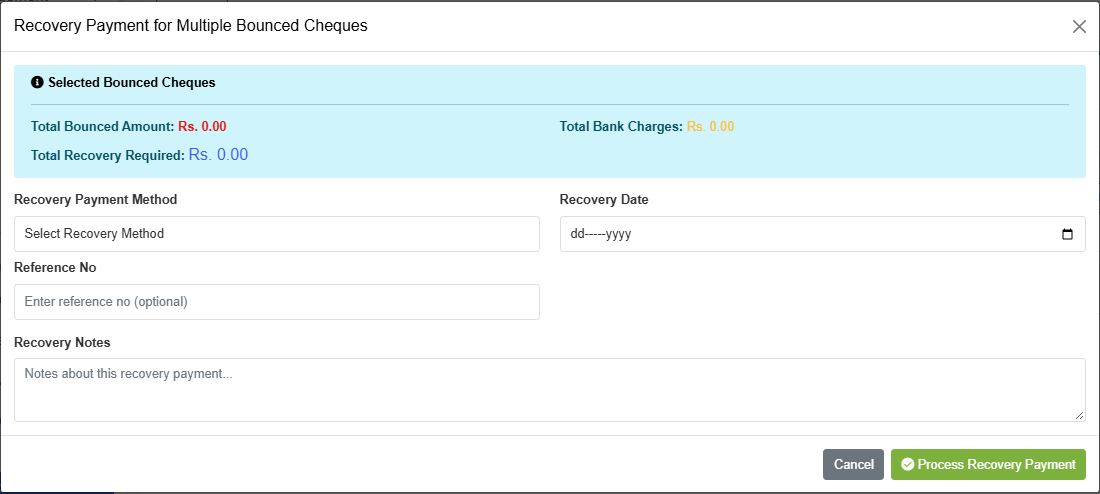
- Modal Recovery Payment for Multiple Bounced Cheques.
- Choose Recovery Payment Method:
| Option | Use |
|---|---|
| Cash Payment | Collect cash now |
| Bank Transfer | Bank in |
| Card Payment | Card |
| New Cheque | Replacement cheque (starts Pending) |
| Multiple Cheques (Split) | Split across new cheques |
| Partial Cash + New Cheque | Mix |
| Partial Cash + Multiple Cheques | Mix |
- Set Recovery Date, optional Reference No, Recovery Notes.
- Press Process Recovery Payment.
After recovery
- Cash / card / bank recovery usually completes immediately.
- New Cheque recovery → new pending received cheque → later Clear (or bounce again).
- When fully recovered, list can show Recovered.
- Use eye / toggle "Toggle recovered bounced" to show or hide recovered rows.
- Row Recovery chain shows the bounce → recovery history.
Recovery amount — what you are collecting
Typically:
- Original bounced cheque amount
- Plus Bank Charges posted on bounce (if any)
- Minus anything already recovered on that group
POS / bulk due screens may show a bounce recovery alert with Recover and Cheque Mgmt.
Tips
- Select all sibling rows of the same cheque number before bounce when the UI groups them.
- Prefer recovering soon after bounce so ledger / due screens stay clear.
- Full recovery may restore advance that was clawed back (net of charges) when the original payment had advance.
Common problems
| Problem | Solution |
|---|---|
| Recovery button missing | Must be received + bounced; issued has no Recovery |
| Walk-In error | Use a registered customer |
| Already recovered | Group excluded — check Toggle recovered bounced |
| Partial only | Use partial cash + cheque options; repeat until Recovered |