B2B Wholesale order chain
Who can use this: Roles with wholesale / B2B sales order access (allocate needed for CREDIT). Where to find it: POS · Sales > Wholesale history
What is this?
Dealer / shop wholesale — not a normal cash counter bill.
Correct POS order:
Quotation → Confirm qty → CREDIT → Give stock now
→ Next: payment terms → Bill
→ Print: Dispatch + Delivery + Invoice
| Step | Button / screen | Stock out? |
|---|---|---|
| 1 | Quotation | No |
| 2 | Confirm qty | No |
| 3 | CREDIT → Give stock now (column Now) | When bill finishes |
| 4 | Next: payment terms | Yes — allocated qty |
| 5 | Print documents | Dispatch / Delivery / Invoice |
Before you start
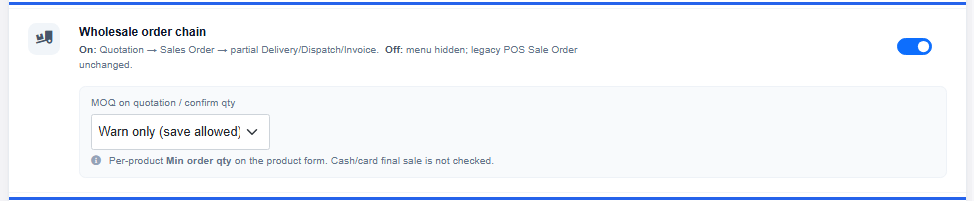
- Settings > General Settings > Features
- Turn Wholesale order chain On
- Refresh
- Use a real B2B customer — not Walk-In
What you will see
On POS
- Quick bar: Quotation · Confirm qty · Open order
- Pay row: CREDIT opens allocate (not a simple credit sale)
- After bill: Print documents
Under Sales
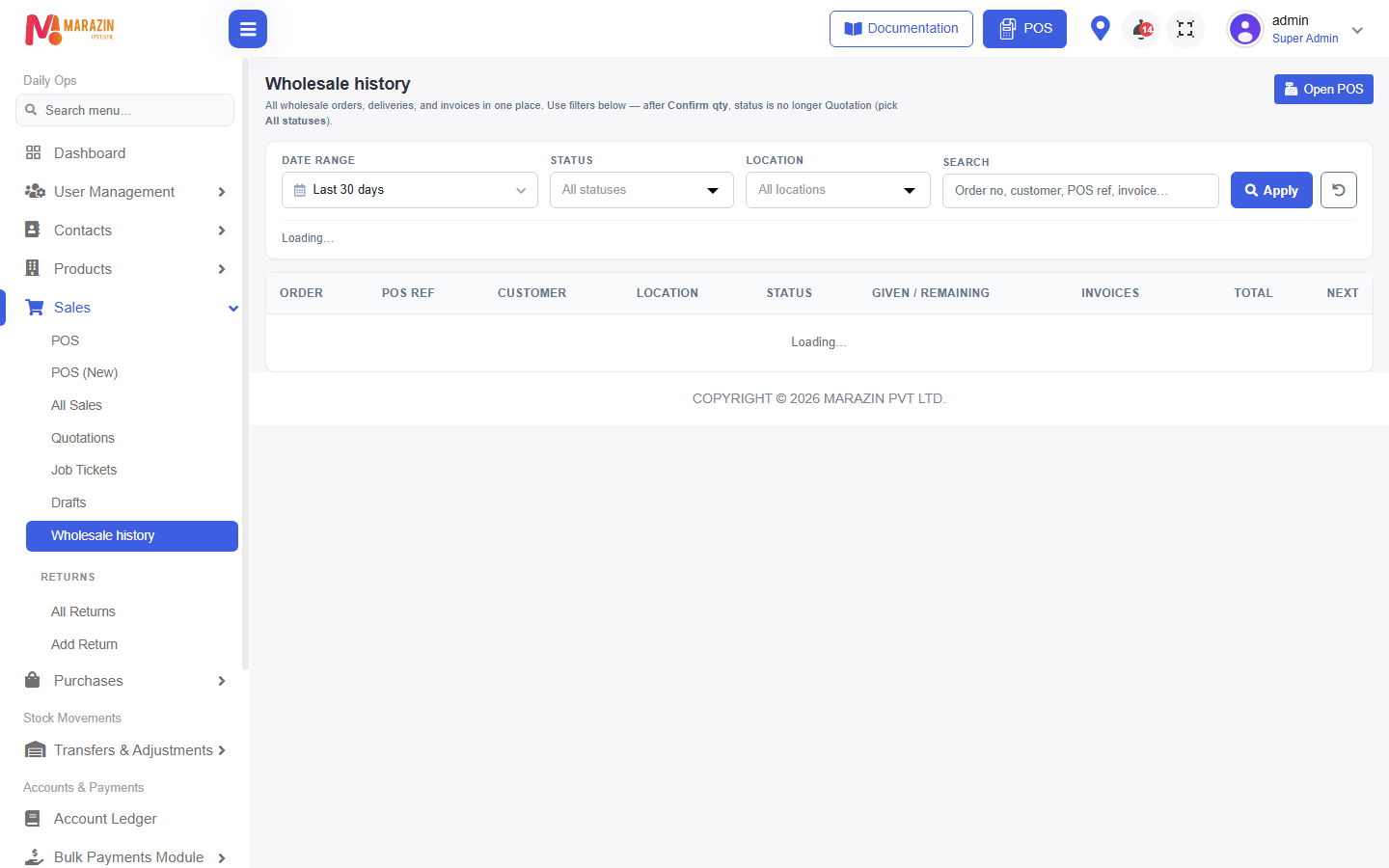
- Wholesale history — quotations, deliveries, invoices
- Not the same as All Sales
Tips
- Partial delivery is allowed (Now less than Left).
- Legacy Sale Orders is separate when this feature is On — use Wholesale history.
Common problems
| Problem | Solution |
|---|---|
| Buttons missing | Turn feature On, refresh, check role. |
| CREDIT does nothing useful | Press Confirm qty first. |
| Walk-In error | Pick a registered dealer customer. |