Set up
Who can use this: Chart of accounts / journal / reports / reconciliation permissions. Where to find it: Accounting Module
What is this?
One-time setup before daily work.
Before you start
Turn Accounting (GL) module on in Settings > General Settings > Features.
Steps
-
Turn on Accounting (GL) module.
-
Assign Chart of Accounts, Journal, and Accounting Reports permissions.
-
Open Chart of Accounts and confirm accounts exist.
-
Add a simple test journal only if your accountant asks.
-
Open Trial Balance to confirm the view loads.
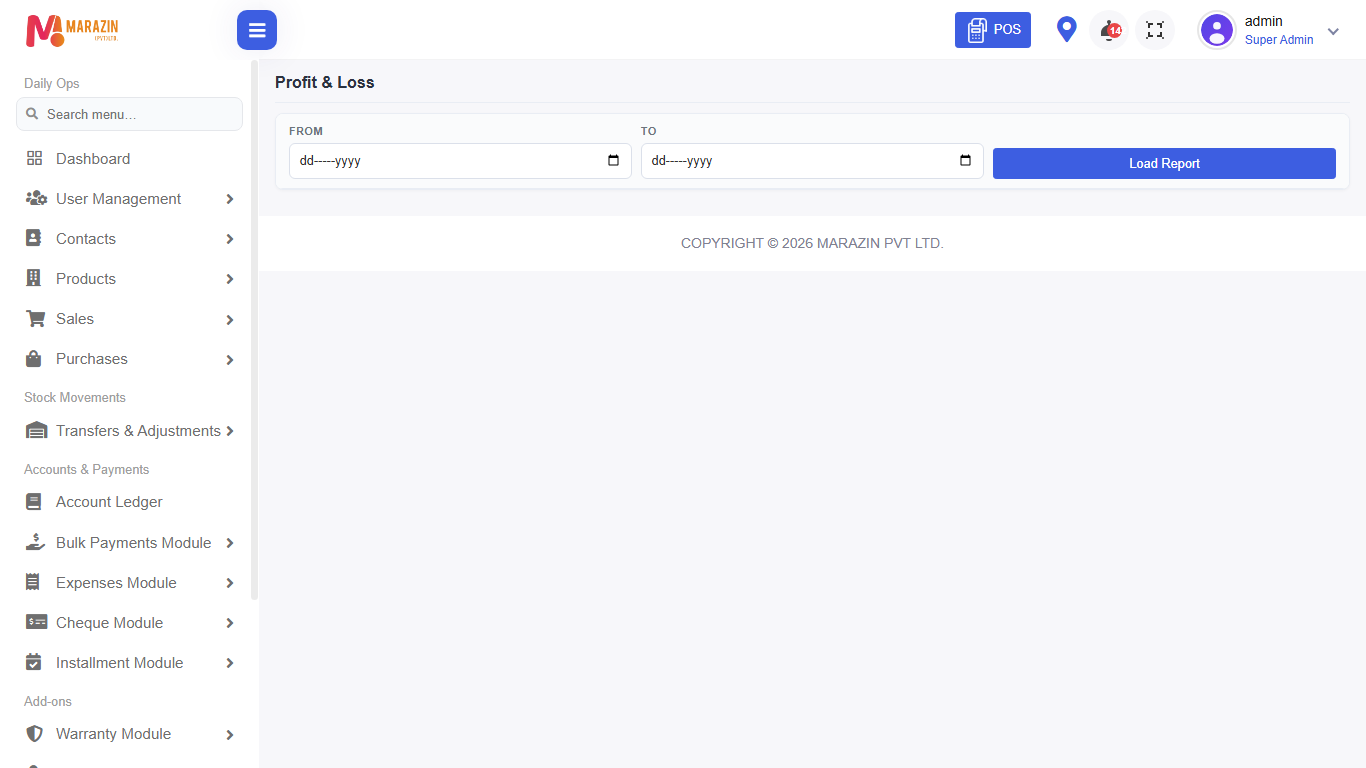
What you will see
Menus and buttons match the steps above. If a button is missing, the role still needs a permission.
Tips
- Train one manager first, then the rest of the team.
- Keep unused features off so the left menu stays short.
Common problems
| Problem | Solution |
|---|---|
| Setup page says no access | Ask an admin to tick the permission. |
| Changes do not show | Refresh the browser after saving. |