Accounting module
Who can use this: Chart of accounts / journal / reports / reconciliation permissions. Where to find it: Accounting Module
What is this?
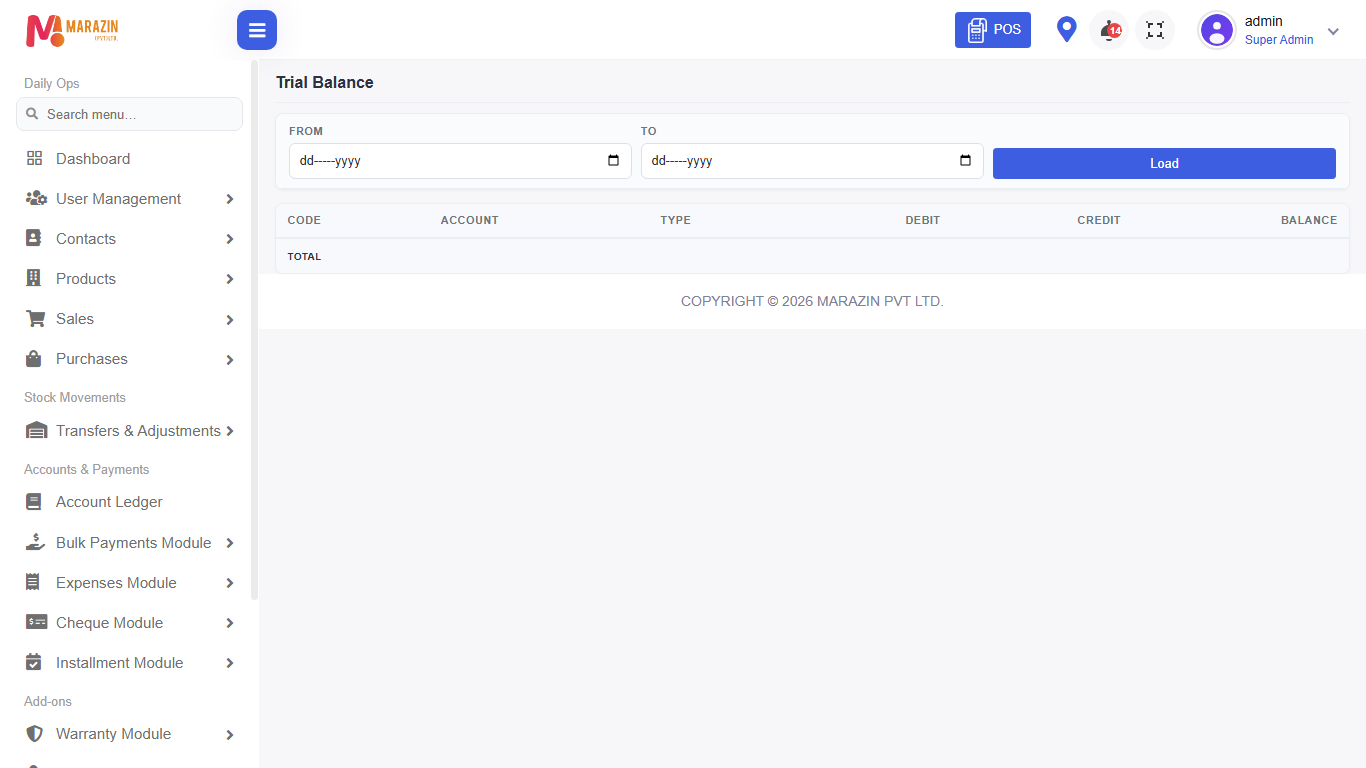
Double-entry accounts (GL). This is separate from Account Ledger, Bulk Payments, and Expenses. Menus include Chart of Accounts, Journal Entries, Trial Balance, Profit & Loss, Balance Sheet, General Ledger, and recon tools.
Before you start
Turn the feature on before you train staff. Leave it off if this shop does not use it.
Steps
-
Open Settings > General Settings.
-
Open Features.
-
Find Accounting (GL) module.
-
Turn it on. It saves by itself.
-
Refresh the page so the menu appears.
What you will see
The Accounting Module menu appears for roles that have access. Staff without the permission still will not see it.
Tips
- Turn it on only when you are ready to use it.
- Give the permission to the right role, not every user.
Common problems
| Problem | Solution |
|---|---|
| The menu is missing | Turn Accounting (GL) module on, then refresh. |
| The menu is still missing | Tick the permission on the role. |