Expenses
Who can use this: view expense and create expense. The expenses feature must be on. Where to find it: Expenses Module > All Expenses and Create Expense
What is this?
An expense is money the shop spends, such as rent or transport. The list title is Expenses Management. The new button is New Expense.
Before you start
Turn on Expenses module under Business Settings > Features. Add Expense Categories if the form asks for one.
Steps
-
Open Expenses Module > All Expenses.
-
Click New Expense.
-
Pick the category.
-
Type the amount and the date.
-
Save the expense.
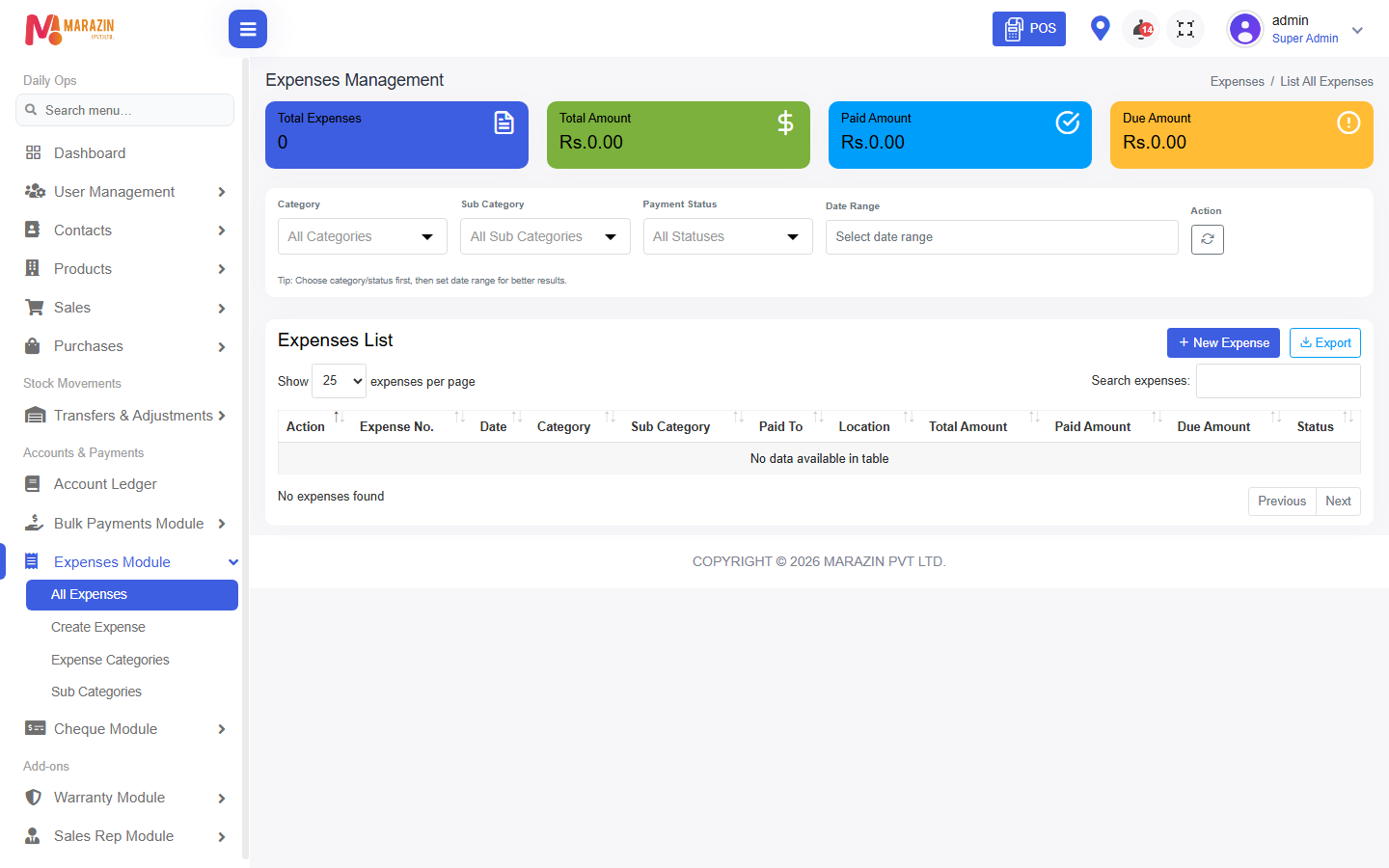
What you will see
The cost appears on the expense list. You can also use Add Expense from the POS cash register menu.
Tips
- Use categories so the month end is easy to read.
- Sub Categories split a category into smaller costs.
Common problems
| Problem | Solution |
|---|---|
| The menu is missing | Turn on the expenses feature, then refresh. |
| New Expense is missing | Ask for create expense. |