Account ledger
Who can use this: view customer-report or view supplier-report. Where to find it: Account Ledger
What is this?
The ledger shows money in and money out for a customer or a supplier. The page title is Account Ledger.
Before you start
The customer or supplier must exist. Sales, payments, or purchases create the lines.
Steps
-
Open Account Ledger.
-
Pick a customer or a supplier.
-
Pick the dates.
-
Read each line and the balance.
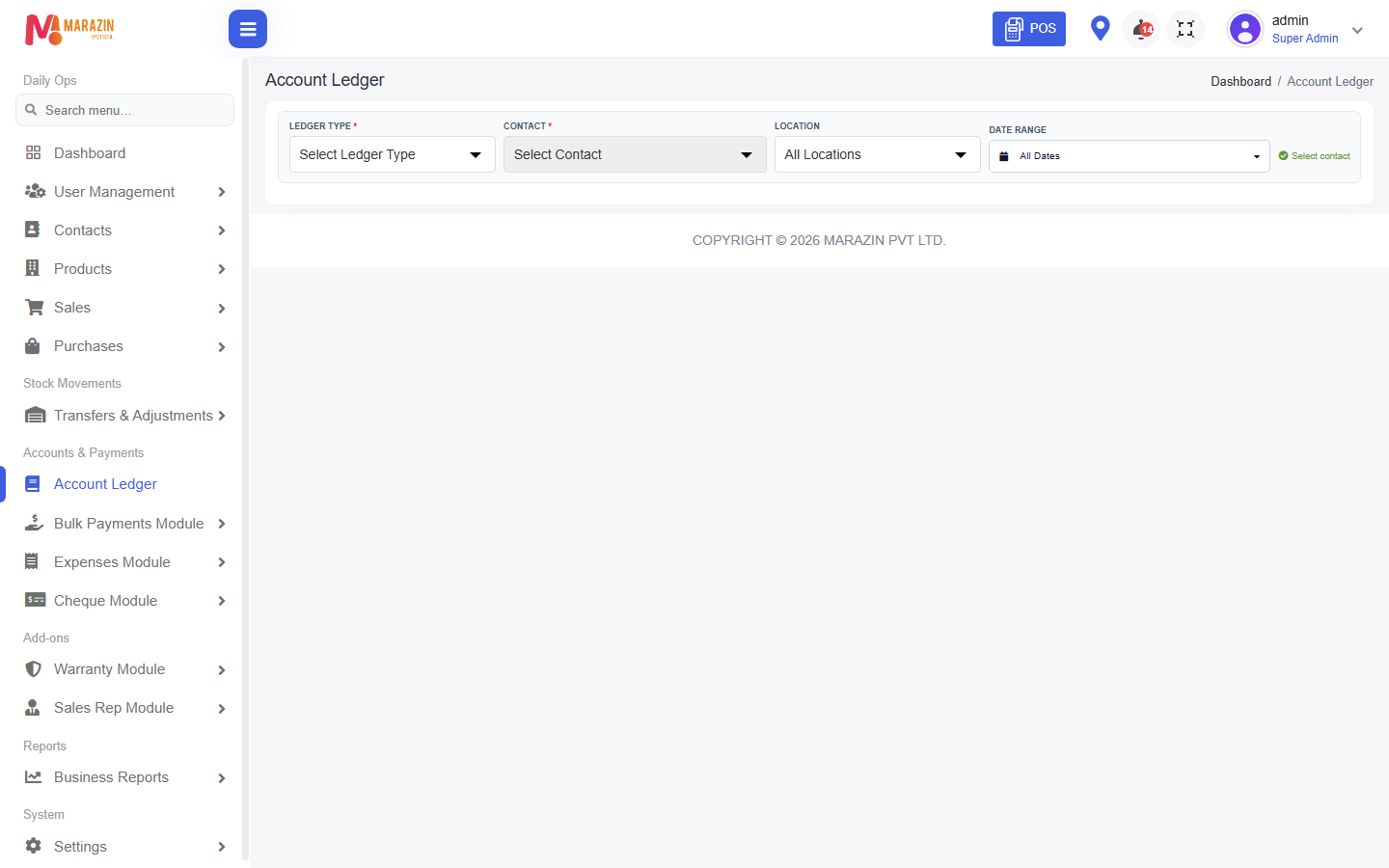
What you will see
Sales and payments for that person. A balance that is still due, or still to pay.
Tips
- Use this when a customer asks for their balance.
- Use Due Report when you want every customer at once.
Common problems
| Problem | Solution |
|---|---|
| The menu is missing | Ask for the customer or supplier report permission. |
| The balance looks old | Widen the dates, or record the missing payment. |